Spot Prices: What Every Spot Costs, Right on the Board
· Breaker Labs
"How much for the Yankees?" is the question you answer most on a break, sometimes several times a minute. Now the board answers it for you.
With Spot Prices, every open spot shows its asking price and every sold spot shows what the buyer paid, on stream, all break long.
Set your prices once
In the Stream Command Center, open Stream controls, go to Selling and turn Spot prices on. It sits right under Buyer names and works the same way.
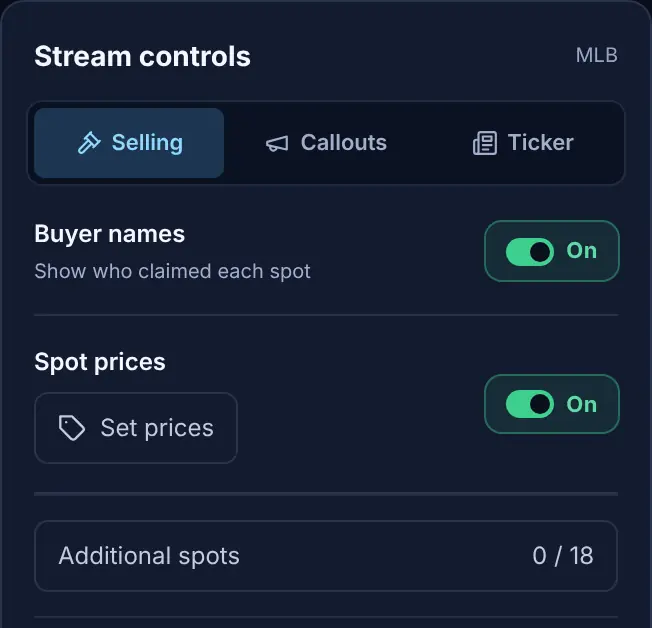
Then select Set prices. Type one amount for every open spot, or give each spot its own price so the chase teams cost more. Additional Spots get prices too. Clear all blanks the lot when you want to start over.
Sell with Enter
When you sell a spot, the price box in the prompt already holds its asking price. If the buyer paid that, type their name and press Enter. If they paid something else, change the price first.
The card swaps its asking price for the price paid, on a tag in your board's accent colour, and the takeover banner carries it too:
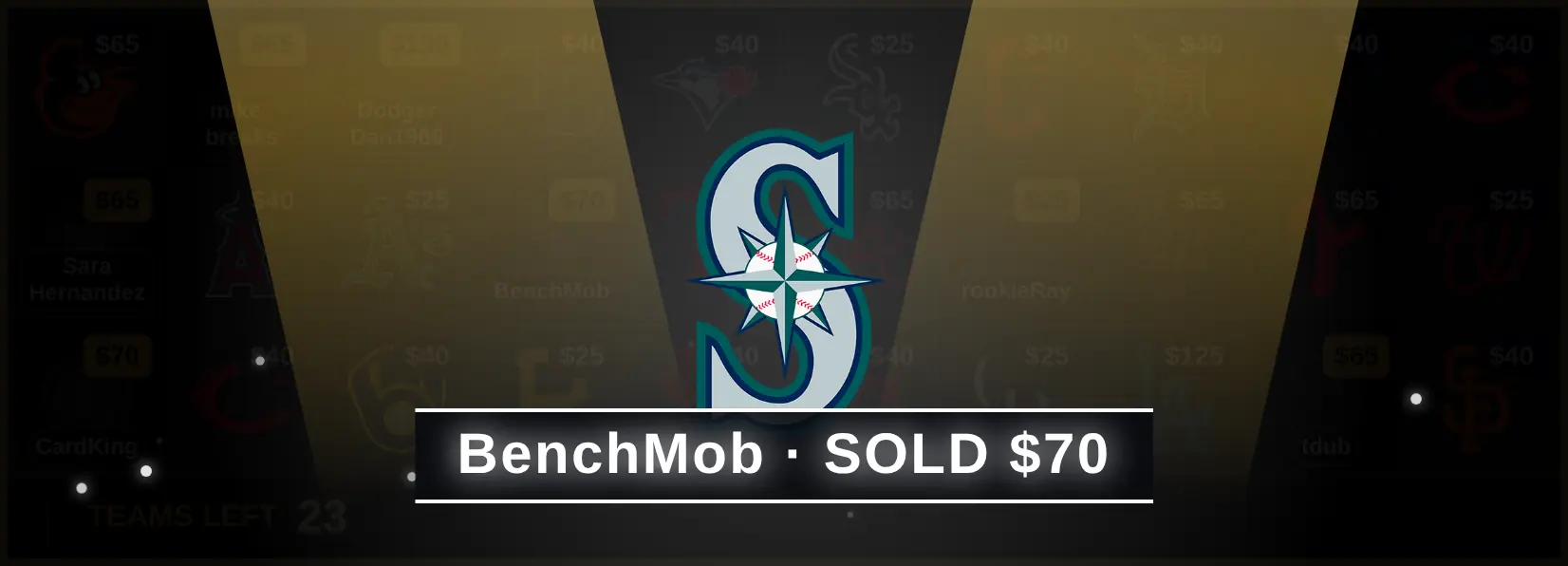
The banner uses your board's own stamp word, so a board that says TAKEN says "TAKEN $70".
Reset board clears the sales and their prices, and keeps your asking prices for the next break.
Fits every card
Prices are sized to the card, and they're never cut off on stream. On a small card, a price moves closer to the edge, then shortens: $12,550 becomes $12.5K, then $12K. Shortened prices always round down, so the board never shows more than the real price.
On divisional and catalog boards, the price sits in a bottom corner of the tile, clear of the division name.
Pick the look
In the editor, Cards & Claims → Spot Prices sets the style (a price tag or plain text), the corner, and which prices show: asking prices, sold prices, and the price in the takeover. Hide the asking prices and show only what sold, if that suits your break better.
Also new: buyer names, exactly as typed
- Your buyer's spelling. The Pill and Under logo looks, and the takeover, now show the name exactly as it was typed, capitals and all. Before, every name was in capitals.
- Long names stay readable. On those two looks, a name that doesn't fit wraps onto two lines at a natural break (a space, an underscore, a number), or ends in "…". It no longer shrinks until nobody can read it.
- Bigger logos on divisional boards. Division tiles give the team logos more room, so an MLB division's five teams sit in one row, much larger than before.
Getting started
Spot Prices is a Pro feature, included in the 7-day free trial. If Pro lapses, the board shows no prices, and every price you set is kept for when you renew.
For a step-by-step setup, from switching prices on to fixing a price mid-break, see the Spot Prices guide.