Live Callouts: Put the Break Format on the Screen
— Breaker Labs
Every breaker knows the moment: you switch the format mid-show — stash or pass, see two pick one, two for one — and thirty seconds later chat is still asking "wait, what are we doing?" You say it again. And again for the people who just clicked in.
Live Callouts says it for you, on the screen, where nobody can miss it.
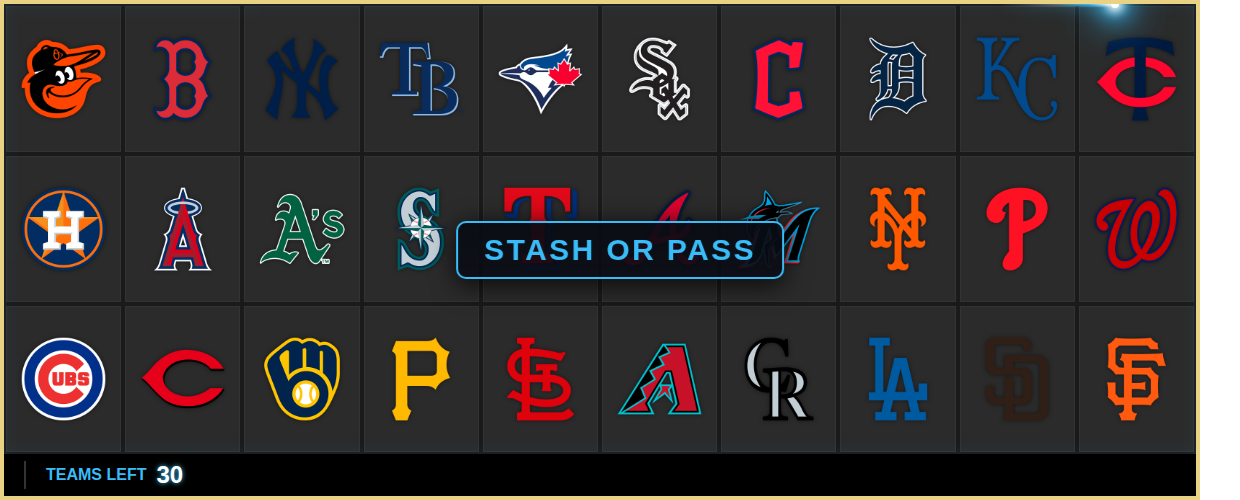
One tap, on stream
The Live callouts panel sits right in the Stream Command Center. Tap a preset — STASH OR PASS, SEE 2 PICK 1, SEE 3 PICK 2, 2 FOR 1, PICK YOUR TEAM — or type anything up to 50 characters and hit Send. A banner pops on your overlay, holds, and slides away on its own.
Callouts are deliberately fire-and-forget: nothing is saved to your break. A mis-tap can't touch your board, your sold teams, or your state — it's a moment, not a setting.
Where it lands is your call
Under Effects → Live Callouts in the widget editor, pick where the banner sits:
- Bottom — rides the footer strip, clear of the teams (the classic).
- Top Edge — mirrors it along the top, also clear of the board.
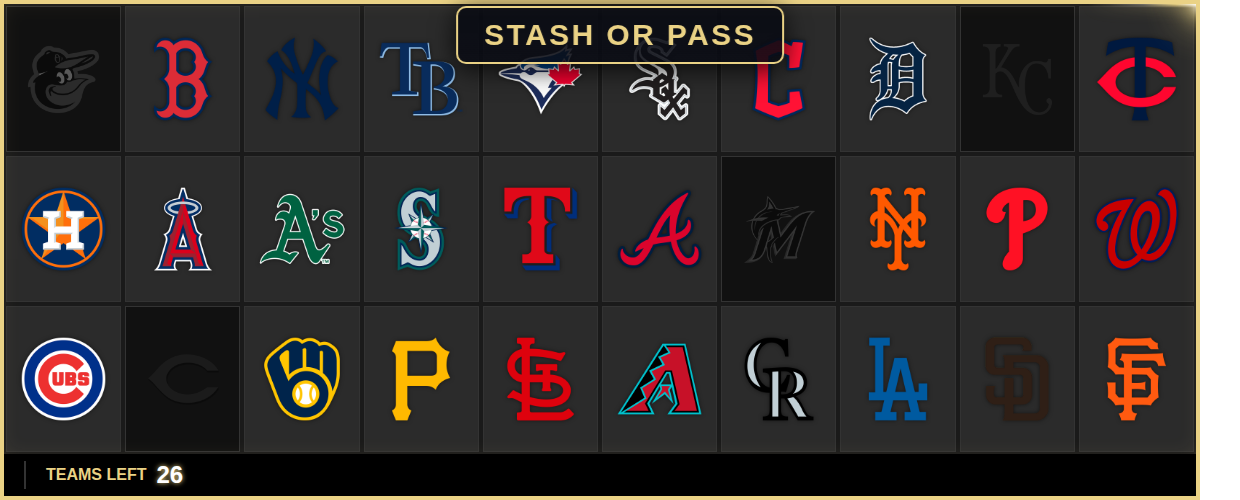
- Center Stage — front and center, over the middle of the board. Yes, it covers teams for a few seconds. Sometimes that's exactly the point.
The editor preview pops a demo banner in the new spot the moment you change the setting, so you see it land before you save.
How long it stays is your call too
Set the default dwell — 2 to 15 seconds — in the same editor section. Then override it per send from the Command Center: a quick "2 FOR 1" flash at 3 seconds, or PICK YOUR TEAM parked for 15 while the pick happens. The "Stays up" picker sits right under the Send button.
Your colors, automatically
The banner's border and text follow your widget's Accent Color out of the box — set your brand color once and callouts match your board, your footer, your everything. Want the callout to cut against your theme instead? Give it its own Banner Color in the editor.
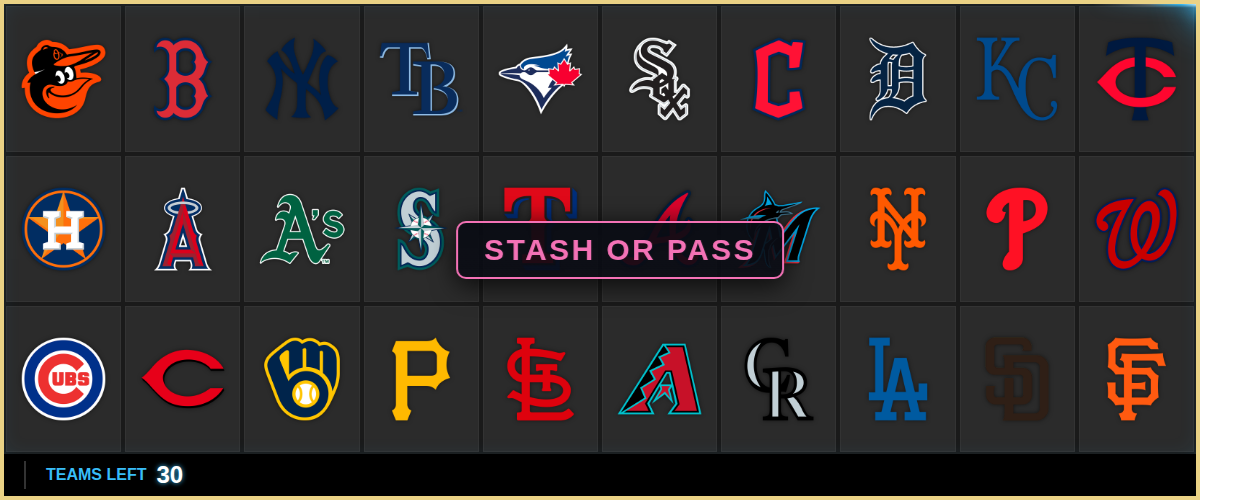
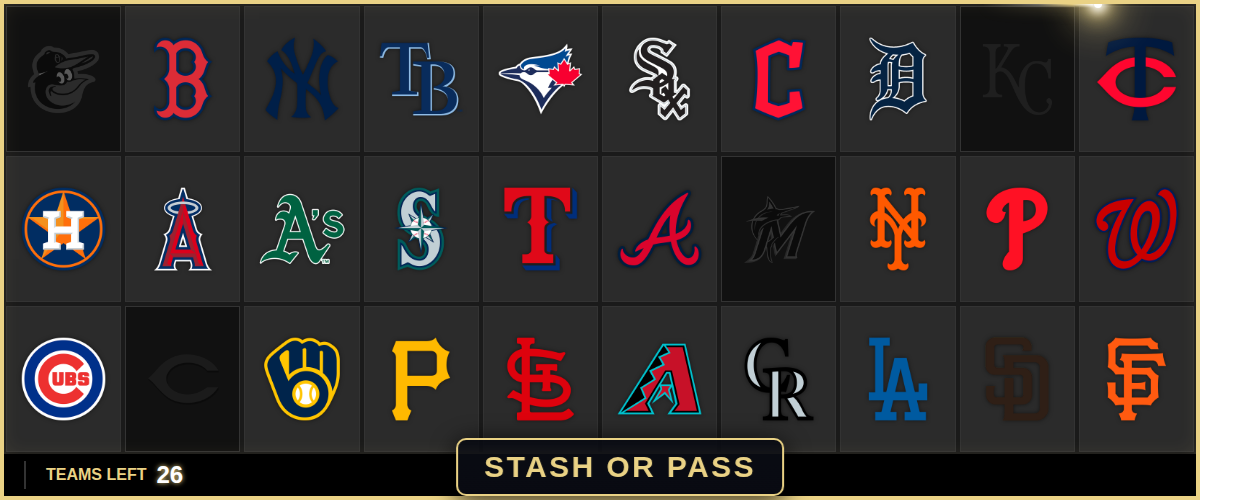
Set up in about a minute
Firing callouts needs zero setup — the panel is already in your Command Center for every Team Tracker. Position, duration, and color live in the widget editor under Effects → Live Callouts, and every knob has a sane default: bottom, 5 seconds, your accent color.
Available now
Open the Command Center tonight, tap STASH OR PASS, and watch chat keep up for once. The format was always part of the show — now it's on the screen.