Alternate and Retro Logos: A New Look for Your Board
— Breaker Labs
Some team logos just take you back. Others look better with the theme you've built for tonight's break. Now you can choose which ones show up on your board.
Team Tracker and Break Results boards have three logo styles for MLB, NFL, NBA and NHL: Standard, Alternate and Retro. Choose a look for the whole board, or pick your favourites one team at a time.
Three ways to show your teams
- Standard keeps the familiar logos your boards already use.
- Alternate brings in secondary marks and different team emblems.
- Retro brings earlier-era artwork back onto the board.
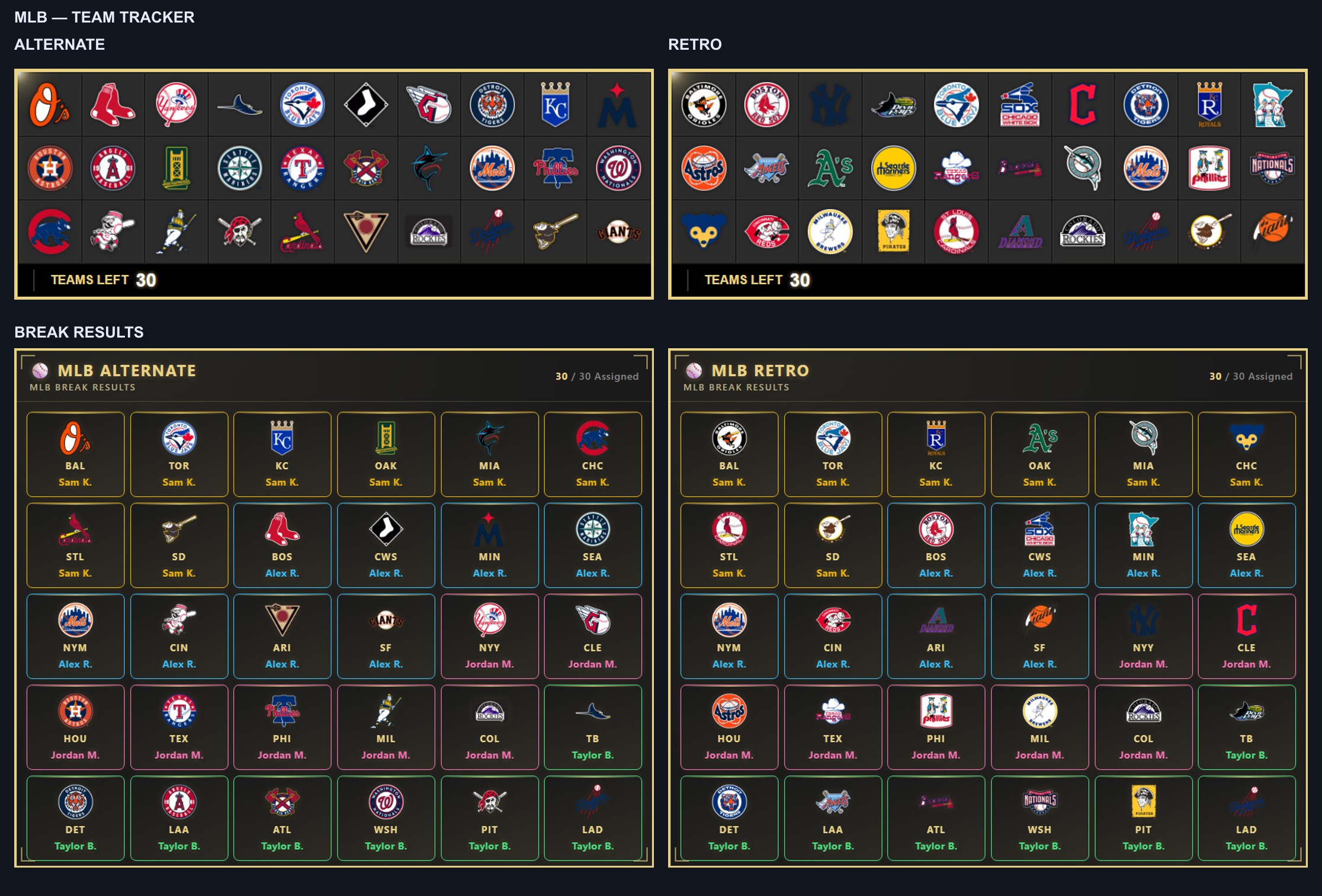
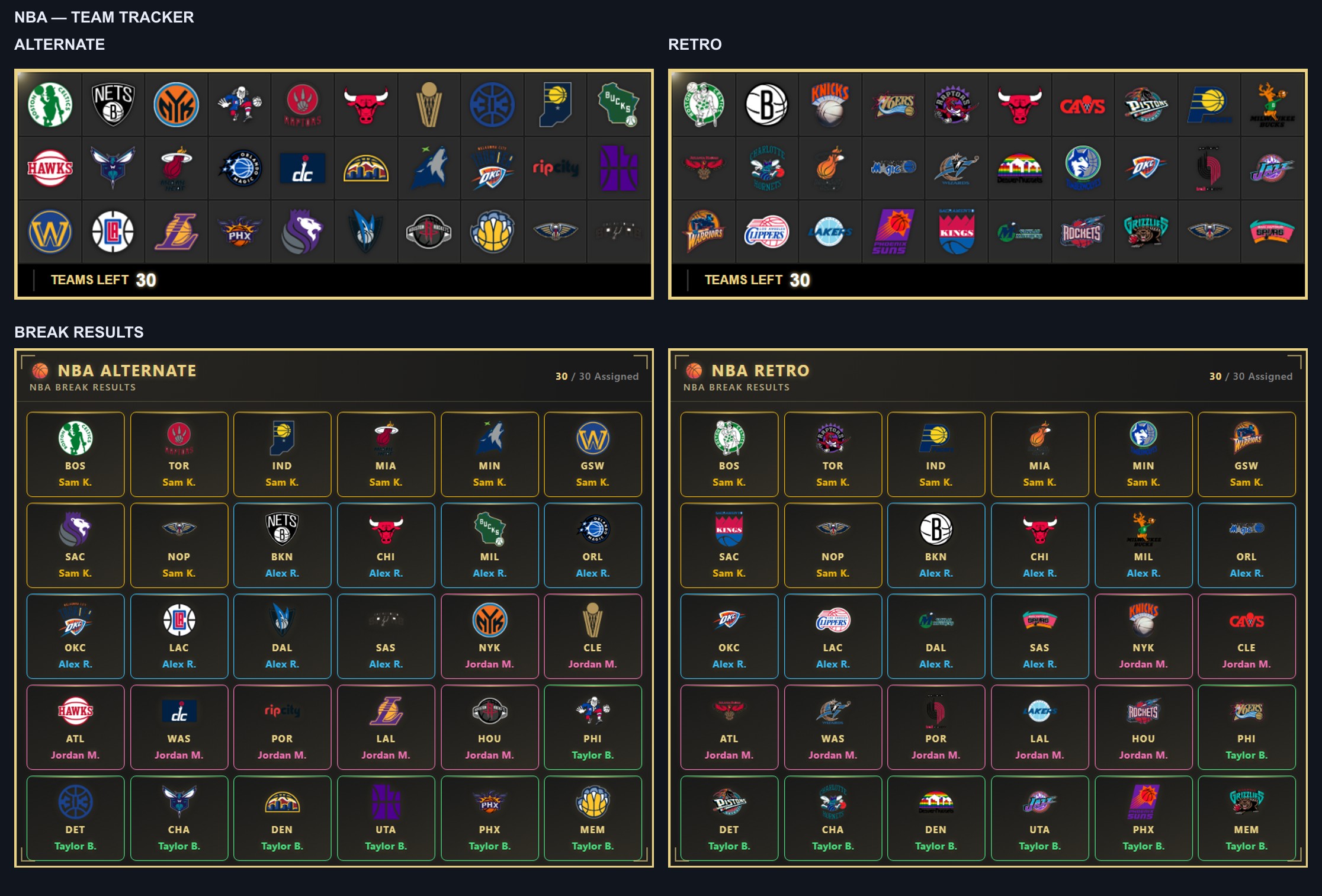
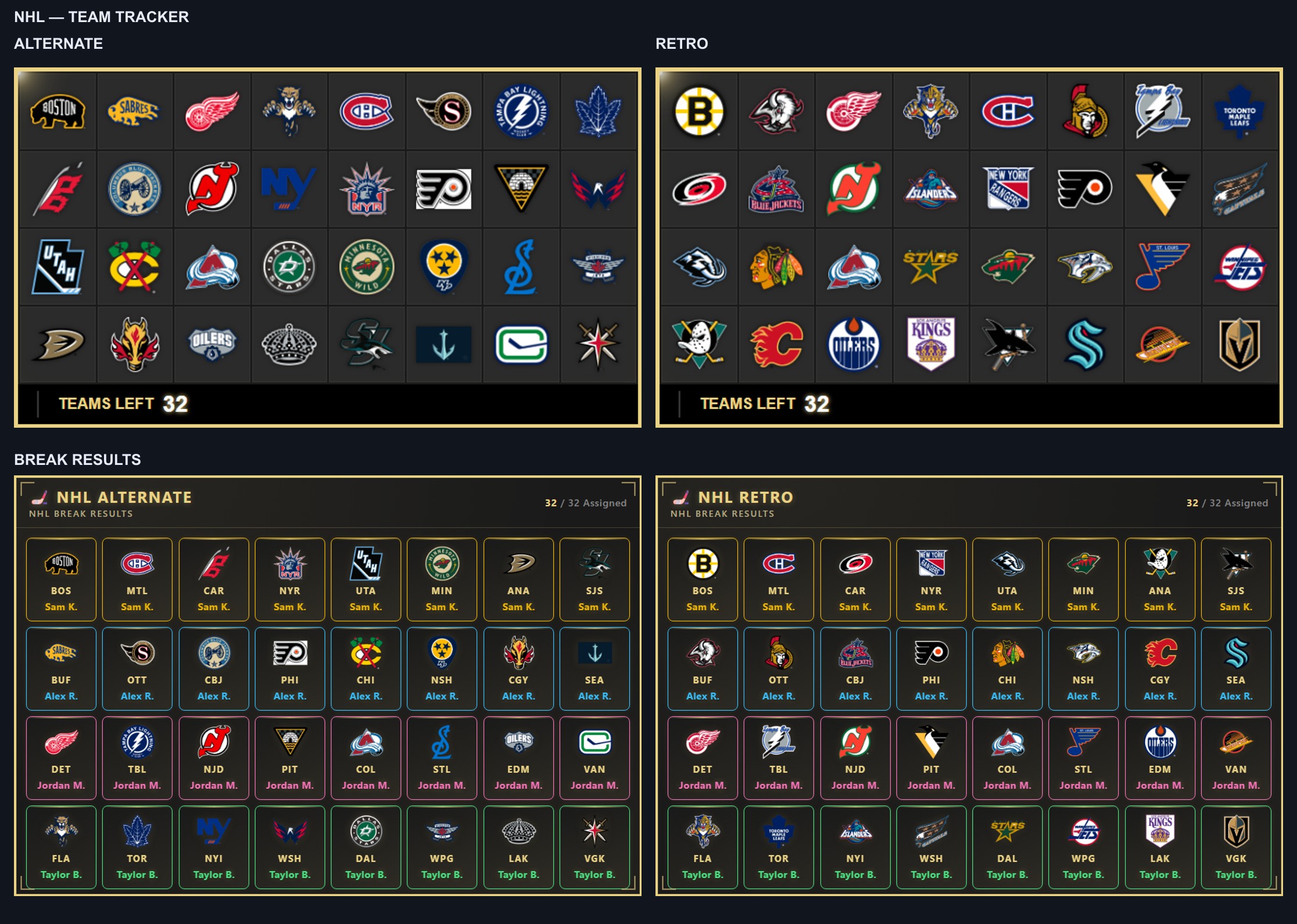
The NFL comparison above shows Alternate on the left and Retro on the right, with Team Tracker across the top and Break Results below. The same choices are available across all four leagues.
Not every team has a logo in every style. Where a variant isn't available, the board uses that team's Standard logo. The individual team picker shows which choices are available.
Change the whole board in a few clicks
- Open your Team Tracker or Break Results board in the editor.
- Go to Cards & Claims → Team Logos.
- Choose Standard, Alternate or Retro.
- Check the preview and save your board.
Your saved choices appear in the live OBS overlay too. Existing boards stay on Standard until you choose another style.
Mix your favourites
Want a Retro board with one team's Alternate mark? Expand Customize individual teams and change just that team.
Each team can follow the Board style or use its own available logo. To bring everything back together, choose Use board style for every team.
Baseball
Basketball
Hockey
Ready to pick your favourites? Open your dashboard and head to Cards & Claims → Team Logos on a supported board.