Premium Themes: Give Your Break a Full Look in One Click
— Breaker Labs
Your overlay is your storefront. Until now, making it look premium meant hand-picking eight colors, a font, a border effect, and a takeover animation — and hoping they all worked together. Today that's one click: the Team Tracker editor has a new Themes tab with 15 curated looks, designed around the cards we all rip.
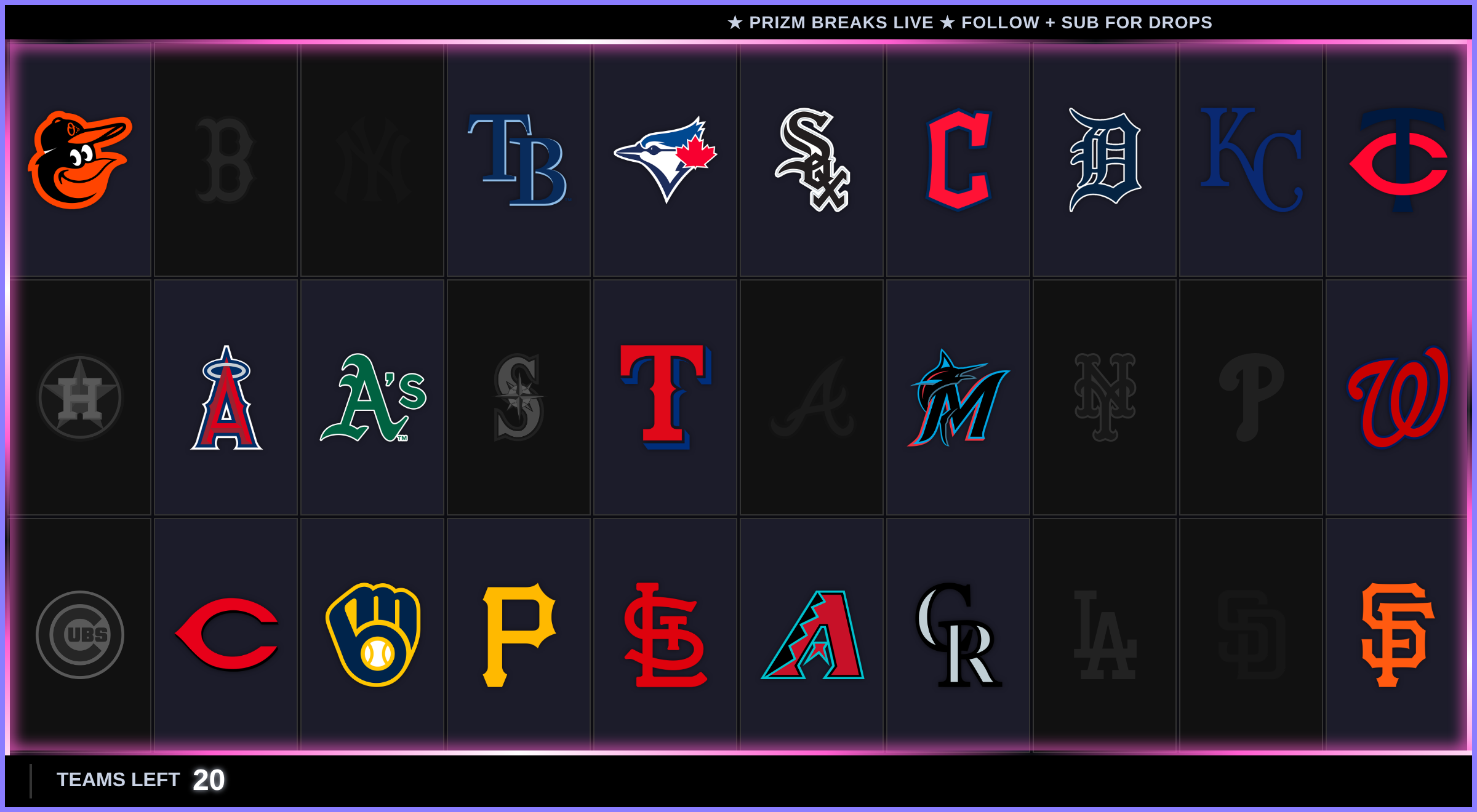
That's Panini Prizm, one of eight new premium themes. One click set every color, the font, the shimmering border, the glitch takeover — and switched on the footer and a news ticker, pre-loaded with starter text you can rewrite in the Extra tab.
Try it on before you buy in
Open any Team Tracker in the editor and hit the Themes tab. Click a theme and your own widget wears it instantly in the live preview — your teams, your taken/available states, your layout. Click around until something feels right, then hit Apply to save it.
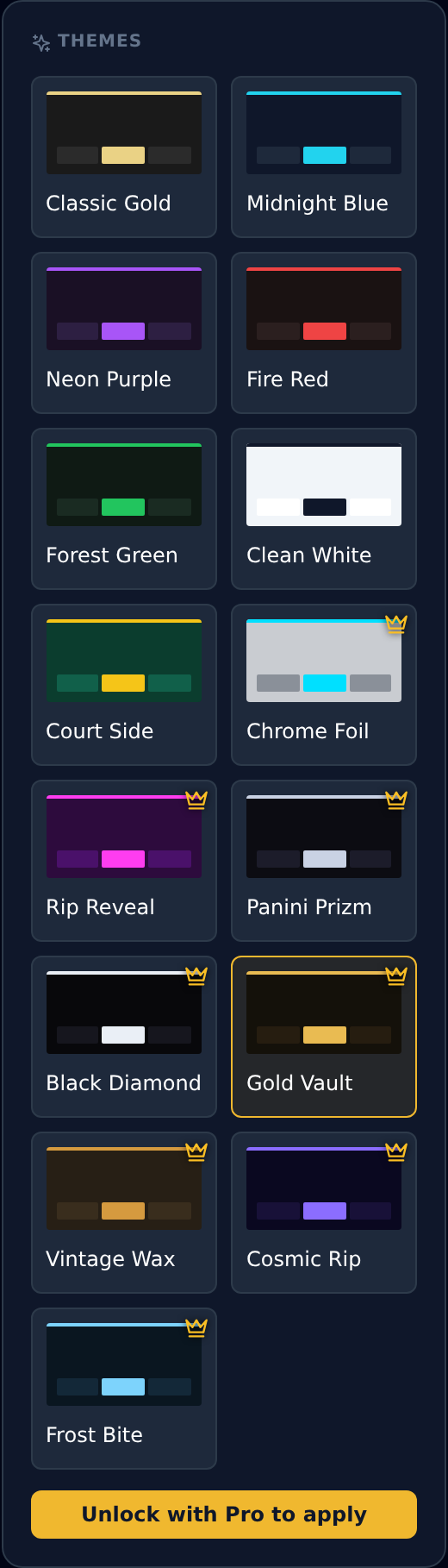
The first six are free color presets — the Quick Colors you used to find in the Style tab, now living in the gallery with everything else. The crowned ones are premium full looks, and this is where it gets fun.
A full look, not just a palette
Free presets recolor your widget. Premium themes restyle everything:
- Colors — background, cards, borders, highlights, footer text
- Typography — each theme ships its own display font
- Animations — dramatic border effects like gradient flow, shooting star, and pulse
- Takeover — a matching takeover animation (glitch, lightning, spotlight, card flip, portal, split-gate…)
- Footer + news ticker — switched on and styled, with starter ticker text ready to customize
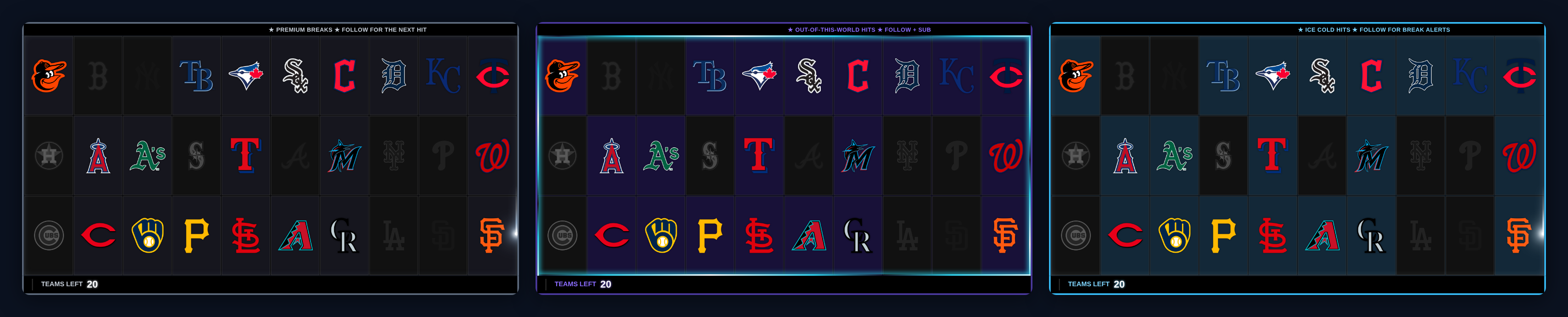
The eight premium looks: Chrome Foil, Rip Reveal, Panini Prizm, Black Diamond, Gold Vault, Vintage Wax, Cosmic Rip, and Frost Bite.
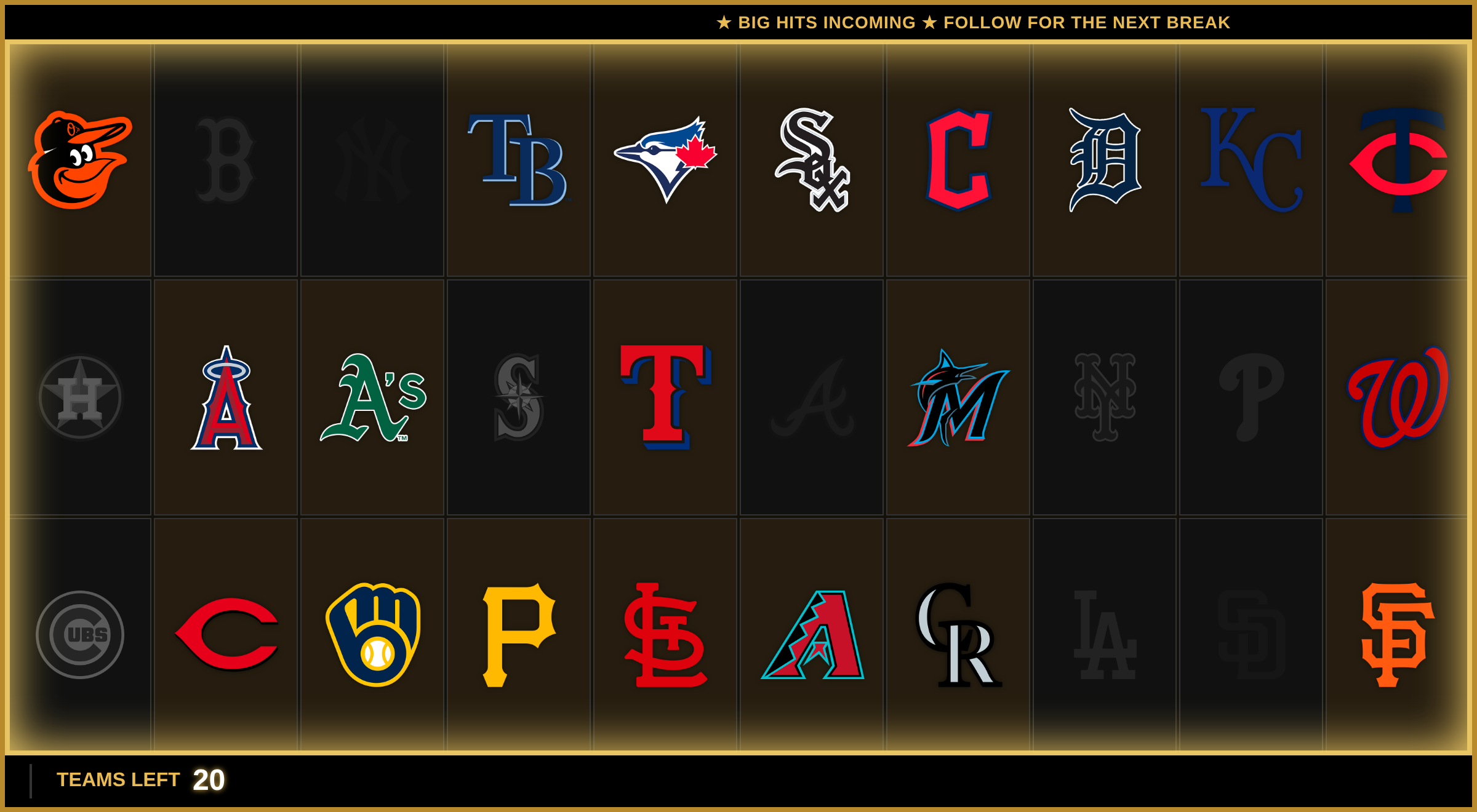
Your content stays yours
Themes are a skin, not a takeover of your settings. Applying one never touches:
- Your ticker text — if you've written your own, the theme keeps it (starter text only fills in when yours is empty)
- Your custom logo and whether it's shown
- Your border text, social handles, and grid columns
- Your widget's sport and size
Change your mind? Click a different theme, or re-pick your own colors in the Style tab — nothing is locked in.
Free vs. Pro
Anyone can preview any theme — that's the point. Applying a premium look needs Pro ($9.99 USD/mo), same as the news ticker, advanced animations, and custom logos it's built from. If you're on the trial, the Unlock with Pro to apply button takes you straight there.
Open your dashboard, pop into a Team Tracker, and hit the Themes tab. Your break deserves the foil treatment.