How to Type a Buyer Once and Put It on Every Board (Step by Step)
· Breaker Labs
You sell a spot, you type the buyer on your team board, and then you type the same name again on your Break Results board. Name sync does the second part for you. Link the boards once, and every buyer you type goes to every linked board, on stream, as you sell.
There are two ways to set it up:
- Team board → Break Results. Claim a team on your board with the buyer's name, and the name shows on your results board too.
- Randomizer Wheel → team board and/or Break Results. Spin, type the buyer once, and the wheel marks the spot sold on your board and puts the name on your results board.
Before you start
- Pro, or the 7-day trial. Name sync is a Pro feature, like the Command Center itself.
- Boards in the same league. Name sync works with MLB, NFL, NBA and NHL boards, and the linked boards must be the same league. A wheel with custom entries, a catalog board and a bundle board can't link.
- A Break Results board. If you don't have one, you can make one straight from the picker in step 1.
- Buyer names on for your team board (Command Center → Stream controls → Selling → Buyer names), so the board asks for a buyer when you claim a team.
Team board → Break Results
Step 1: Link the boards
Open the Stream Command Center and put your team board on stage. In the strip under the board, next to Names also go to, select Pick a results board and choose your results board.
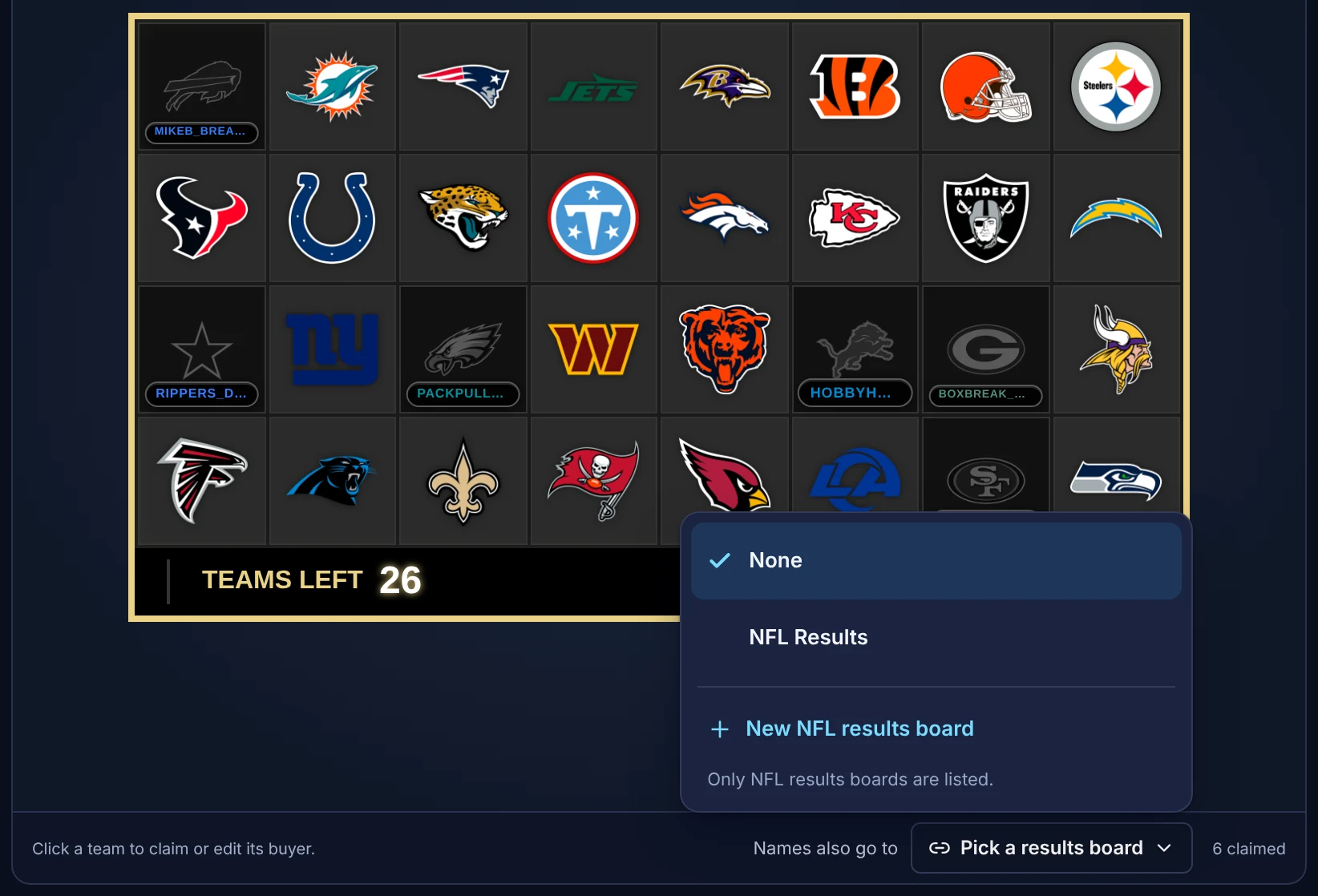
Only results boards of the same league are listed. New NFL results board creates one for you.
The strip now shows where names go:
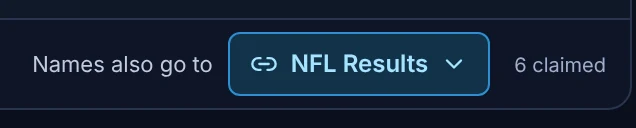
A results board takes names from one place, so each results board can be linked to one team board (or one wheel).
Step 2: Sell as usual
Select a team on the board and type the buyer, exactly as you do now.
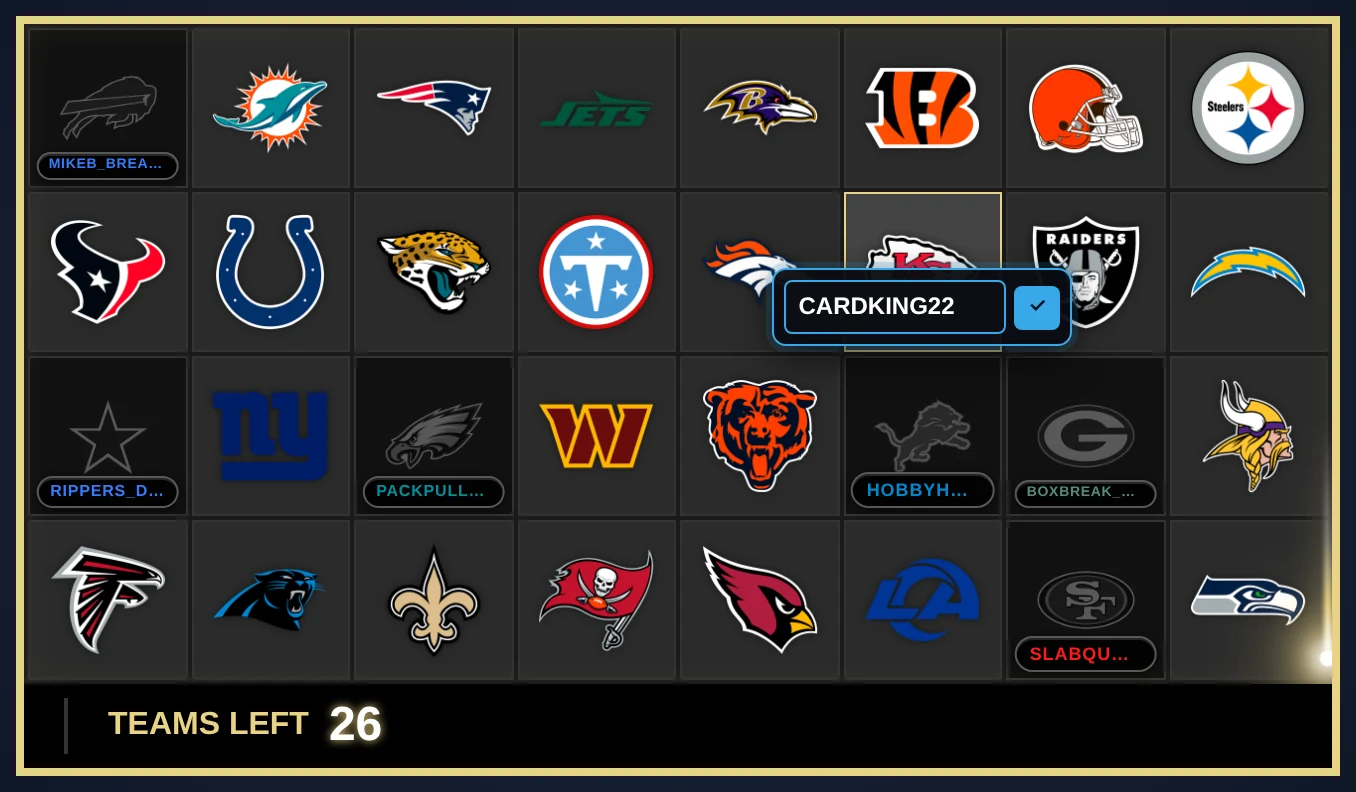
The name goes on the team's card and on your results board at the same time. Your results board in OBS updates live, with nothing to refresh. In the Command Center, the results board says where its names come from:

Fixing a typo works the same way: change the name on the team board and the results board follows.
Randomizer Wheel → team board and Break Results
Step 1: Pick the boards
Open your wheel in the Command Center. In the wheel's header, select Send names to boards, and tick a team board, a results board, or both. Then select Done.
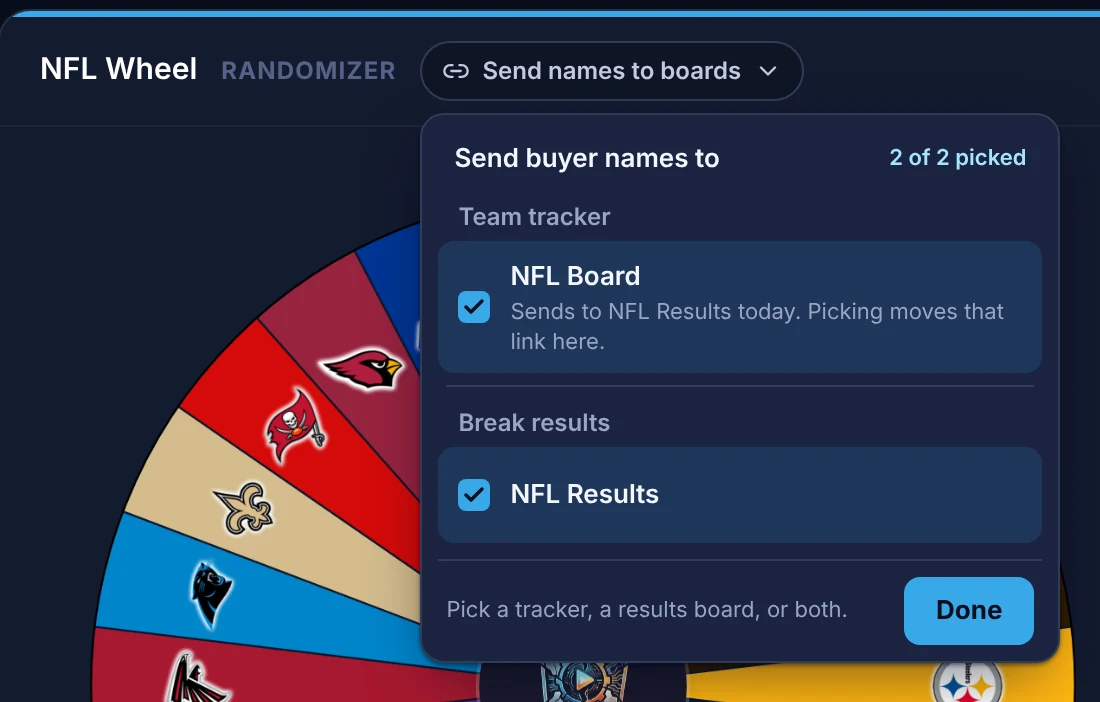
If the team board you pick already sends names to that results board, the wheel takes the link over, so names come from one place. It asks first:
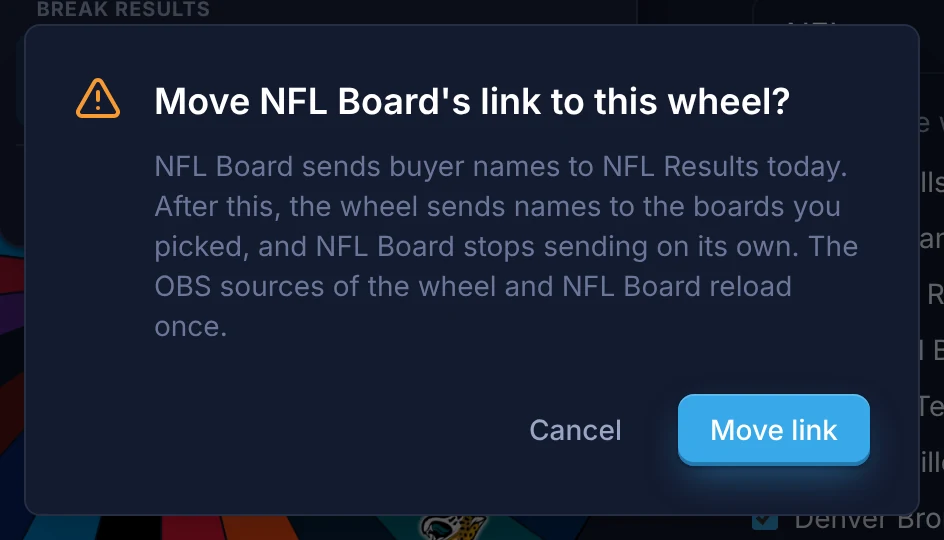
After the move, the wheel sends to both boards, and the team board stops sending on its own. The boards' OBS sources reload once.
Step 2: Spin, type the buyer, Confirm & send
Spin as usual. When the wheel lands, type the buyer in the Buyer box under the result, then select Confirm & send. The line under the buttons says where the name goes.
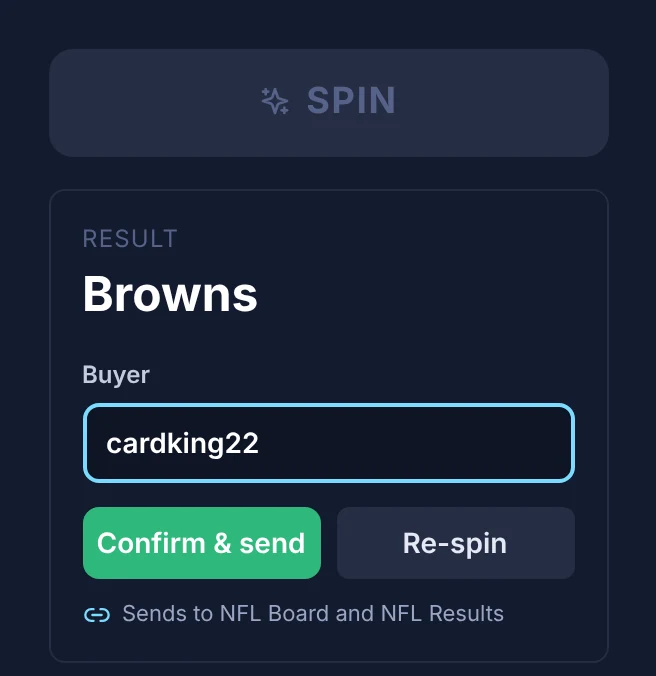
Confirm & send marks the team sold on your team board with the buyer's name, and puts the name on your results board.
No buyer yet? Leave the box empty and confirm. The team is still marked sold on your team board, and you can add the name there later.
On the fullscreen stage, the Confirm button sends whatever you typed in the Buyer box on the card.
Changed your mind? Undo
Undo in Spin history puts the team back on the wheel and takes back what that spin sent: the spot goes back to unsold on your team board, and the name comes off your results board. The line under Spin history says what Undo will do.
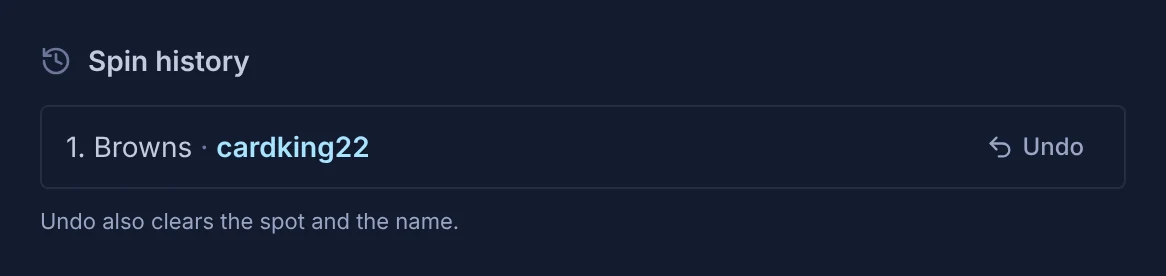
Undo only takes back what's still the spin's. If you've typed over the name since, or someone else bought the spot on the board, your change is kept.
What gets updated, and what doesn't
- A name typed on the results board is never overwritten. If you type an owner on the results board itself, the team board can't replace it. Clear it on the results board to let names flow again for that team.
- New and changed names go through. Every other owner on the results board is updated by the next name for that team.
- Corrections go through too. Clear a buyer's name from a sold card, or unclaim one team, and that name comes off the results board, as long as the results board still shows the name the board sent.
- Reset board leaves results alone. Resetting your team board for the next break keeps the finished break's owners on the results board until the next buyers replace them. Clear the results board itself when you want it empty.
- Reset wheel doesn't touch linked boards. It only resets the wheel.
Removing a link, and plans
To stop sending names, open the same picker and choose None (team board), or untick the board (wheel).
Without Pro, names stop going through, but your links are kept: subscribe, or start your trial if you haven't had one, and names go through again with nothing to set up. If your plan runs out while the Command Center is open, the strip shows the link as paused, with a Remove link button:

Common questions
My results board isn't in the picker, or can't be picked. Only results boards of the board's league are listed. A results board that already takes names from another board or wheel shows that link and can't be picked: remove the link there first. (The wheel is the one exception: it can take over a team board's link, after asking.)
Can one board send to two results boards? No. A team board sends to one results board, and a wheel sends to one team board and one results board.
I switched my wheel to another league (or to custom entries). The link no longer fits, so the wheel removes it. It asks first, together with resetting the break when there's one to reset.
Does it work with a divisional board? Yes, from the board to results: selling a division puts the buyer on every team in it. A wheel can't send to a divisional board.
Do I need to change anything in OBS? No. Your boards update live in OBS. When a link changes, the boards' OBS sources reload once.
Can I still edit the results board by hand? Yes. Select any team on the results board and type. A name typed there stays until you change it there.