Showtime: Live Callouts Are Now the Moment
— Breaker Labs
When Live Callouts launched, the point was simple: stop holding up a sign. One tap put STASH OR PASS on the overlay and chat stopped asking. It worked — and it looked like a banner. A format change mid-break is a moment, and the board should treat it like one.
Showtime does. Every preset now plays its own animation, the board reacts, and the whole thing lands with the weight the format switch deserves.
Each preset gets its own moment
STASH OR PASS — a green STASH and a red PASS slam in from either side and clash in the middle with a flash. (That's the shot at the top.)
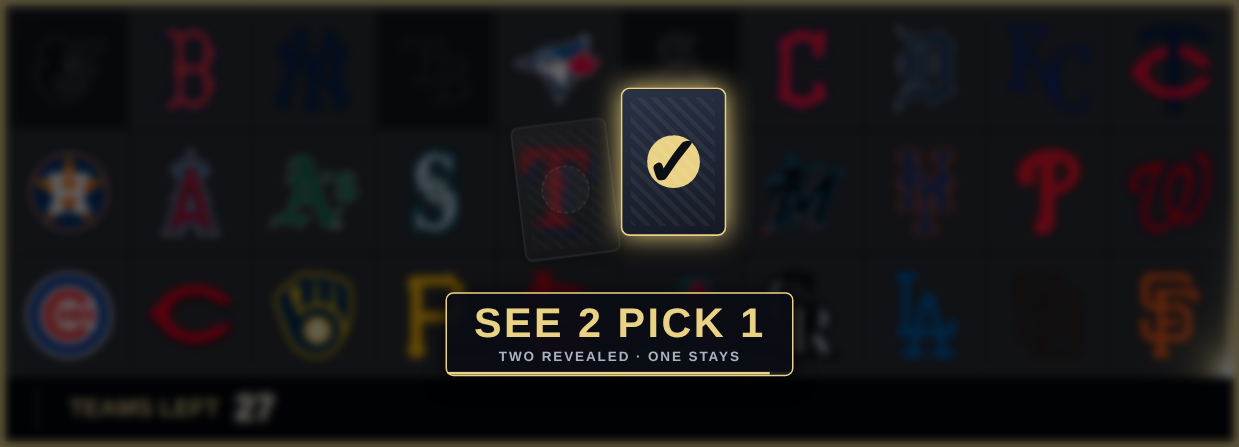
SEE 2 PICK 1 — cards fan onto the board, then the keeper lights up gold and the other drops away.
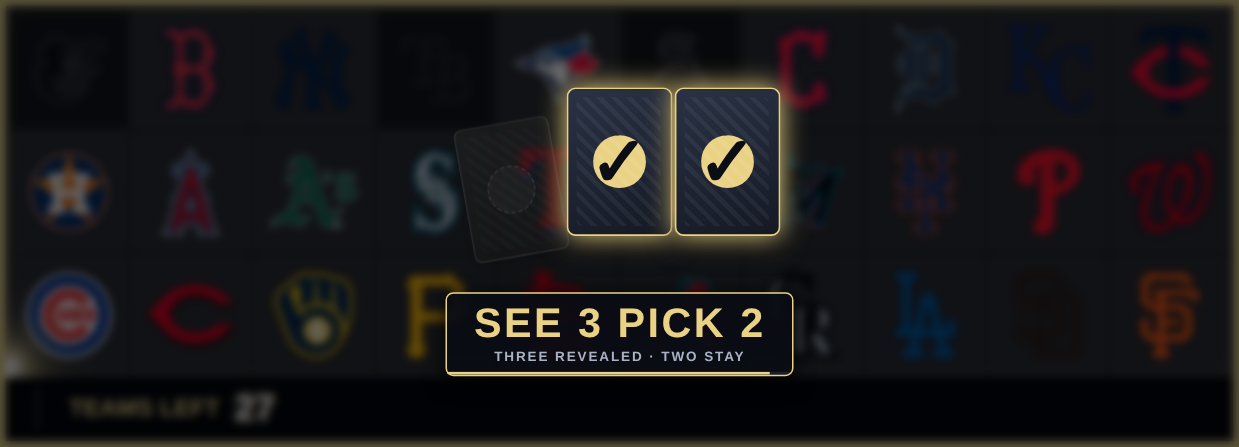
SEE 3 PICK 2 — same reveal, three cards, two keepers.
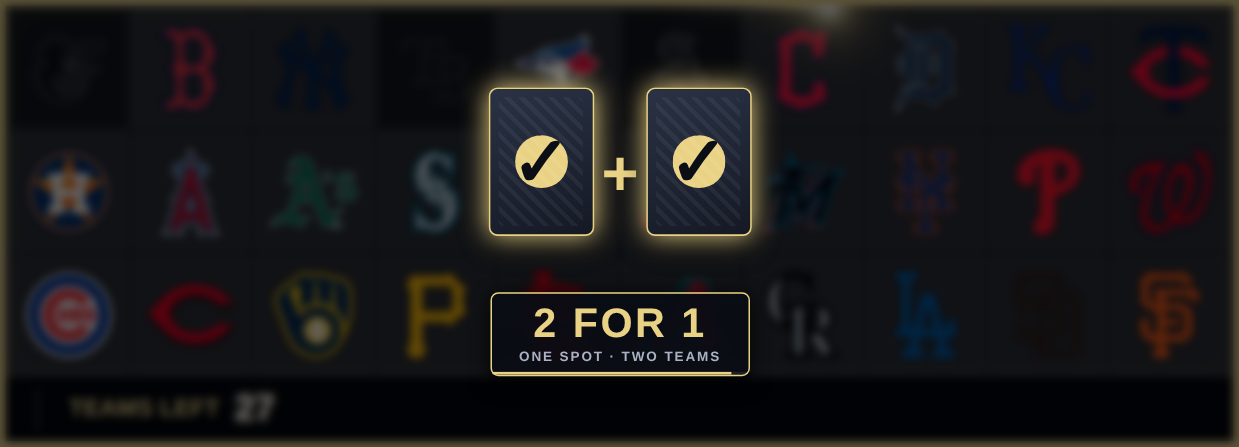
2 FOR 1 — two cards, both lit. One spot, two teams.
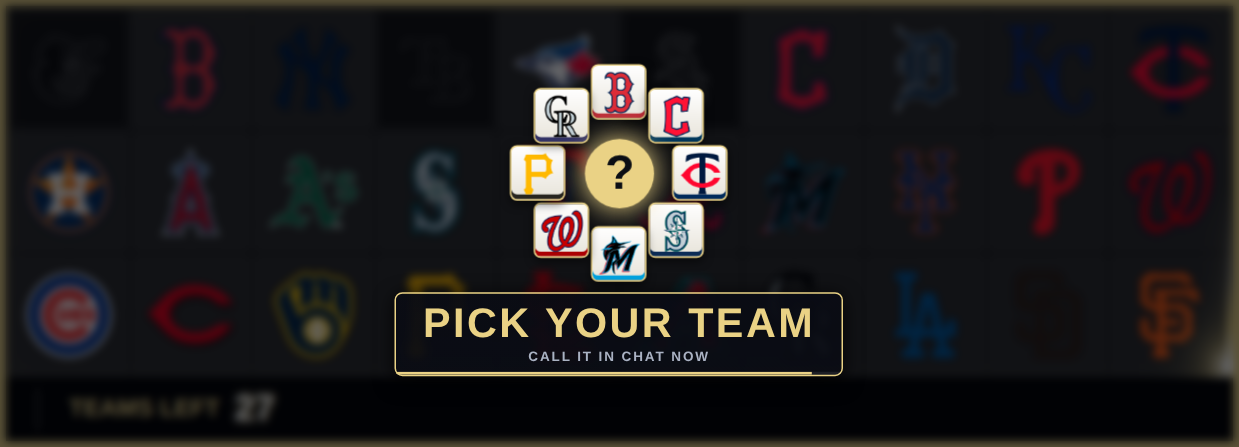
PICK YOUR TEAM — a roulette spins up built from the teams still open on your board, right off the live grid, and settles on a question mark. Chat sees exactly what's left to call.
Custom text slams in with a shock ring. The card and roulette moments land on the banner you already know, with a second line underneath if you want it. Stash or Pass doesn't need it — the halves are the words, so its banner carries just the subtitle.
Five styles
Pick one under Effects → Live Callouts in the widget editor.
Classic — the original banner. Slides in, holds, slides out. Nothing changes on any board you already have unless you change it.
Showtime — the preset animations above. Always plays center stage, because the motif needs the board behind it.
Slam — any text scales in from off-screen with a shock ring.
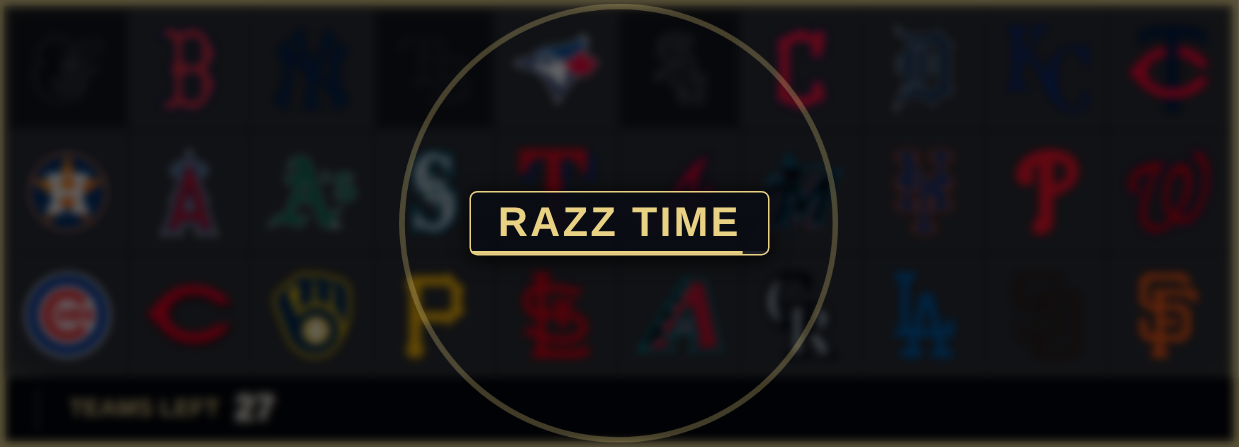
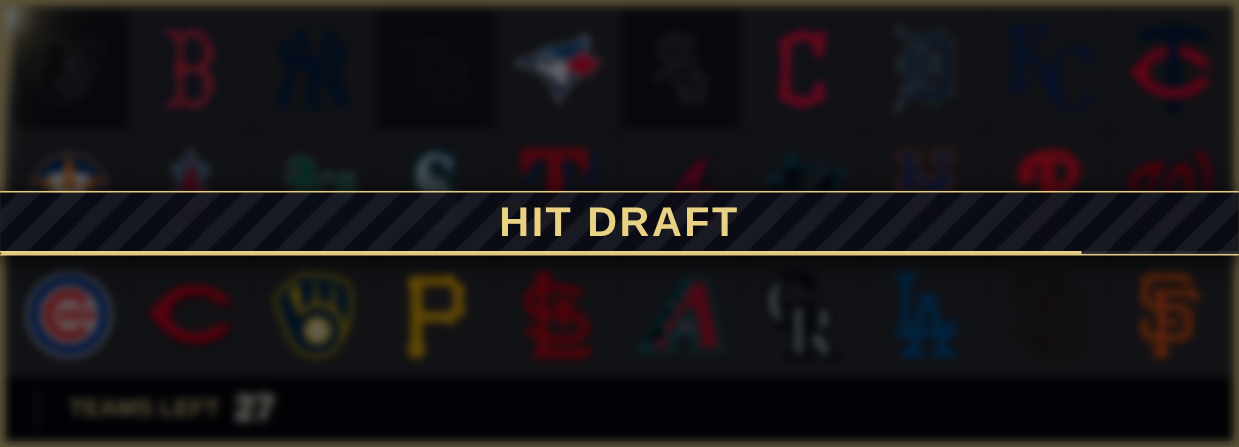
Marquee — a full-width ribbon sweeps across the board and the text slides in behind it.
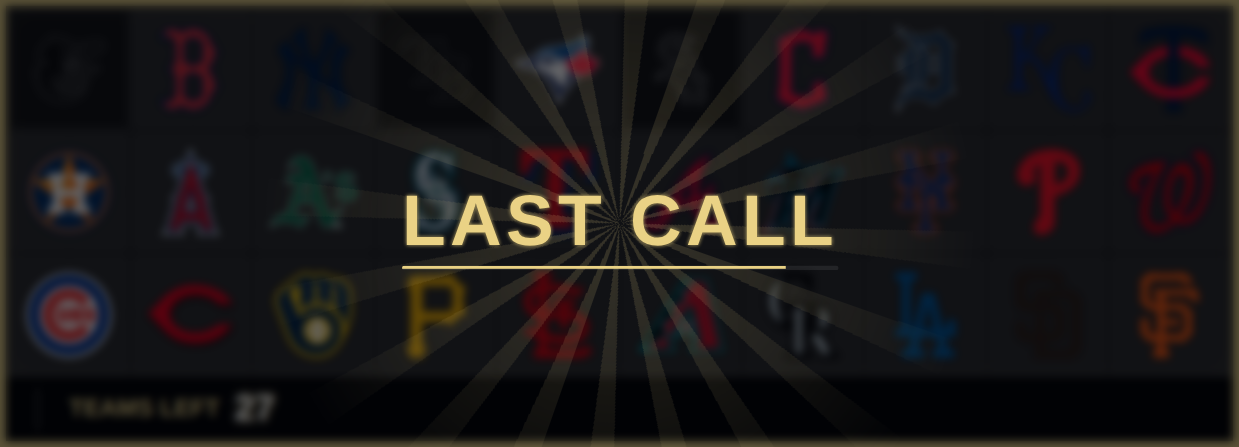
Spotlight — the board dims, the type goes huge, light rays turn behind it.
New Team Trackers open on Showtime. Existing ones stay on Classic until you flip them — a live board never changes under you.
Big-event extras
Four switches that work with any style: dim the board (darken and blur the teams behind the callout), screen shake on impact, a countdown bar that drains while the callout is up so chat knows how long they've got, and subtitles under each preset.
Your words, your formats
Rename any preset and give it its own subtitle — "PYT" instead of "PICK YOUR TEAM", or whatever your room calls it. And if you run formats the presets don't cover — Razz, Filler, Hit Draft, Last Call — add up to eight saved callouts in the editor and they show up as one-tap buttons in the Command Center, right next to the presets.
Per send, still your call
The Command Center keeps its Stays up picker and adds a Style picker beside it, so you can fire a quiet Classic banner for a housekeeping note and go full Showtime for the format change, without touching the widget's settings.
Still fire-and-forget
Nothing here changes what a callout is: a broadcast that shows, holds, and clears. It never writes to your break, so a mis-tap can't touch your board, your sold teams, or your state.
Available now
Showtime, Slam, Marquee and Spotlight, the extras, renamed presets and saved callouts are all Pro features — and since trials get everything, you can turn them on right now and run them on tonight's break. Open the editor, pick Showtime, and watch the preview play it before you save.