Divisional Breaks: One Tile, One Division, One Buyer
— Breaker Labs
Not every break is a thirty-two-spot break.
Divisional breaks are one of the most common formats in football and baseball, and until now the widget couldn't tell one. You either sold teams one at a time on a board built for thirty-two, or you ran the division break off a spreadsheet and left the board out of it entirely.
Divisional Breaks fixes that. Pick it when you create your Team Tracker and the board becomes a board of divisions — one tile per division, every team in that division shown right on it, and one buyer takes the whole tile.
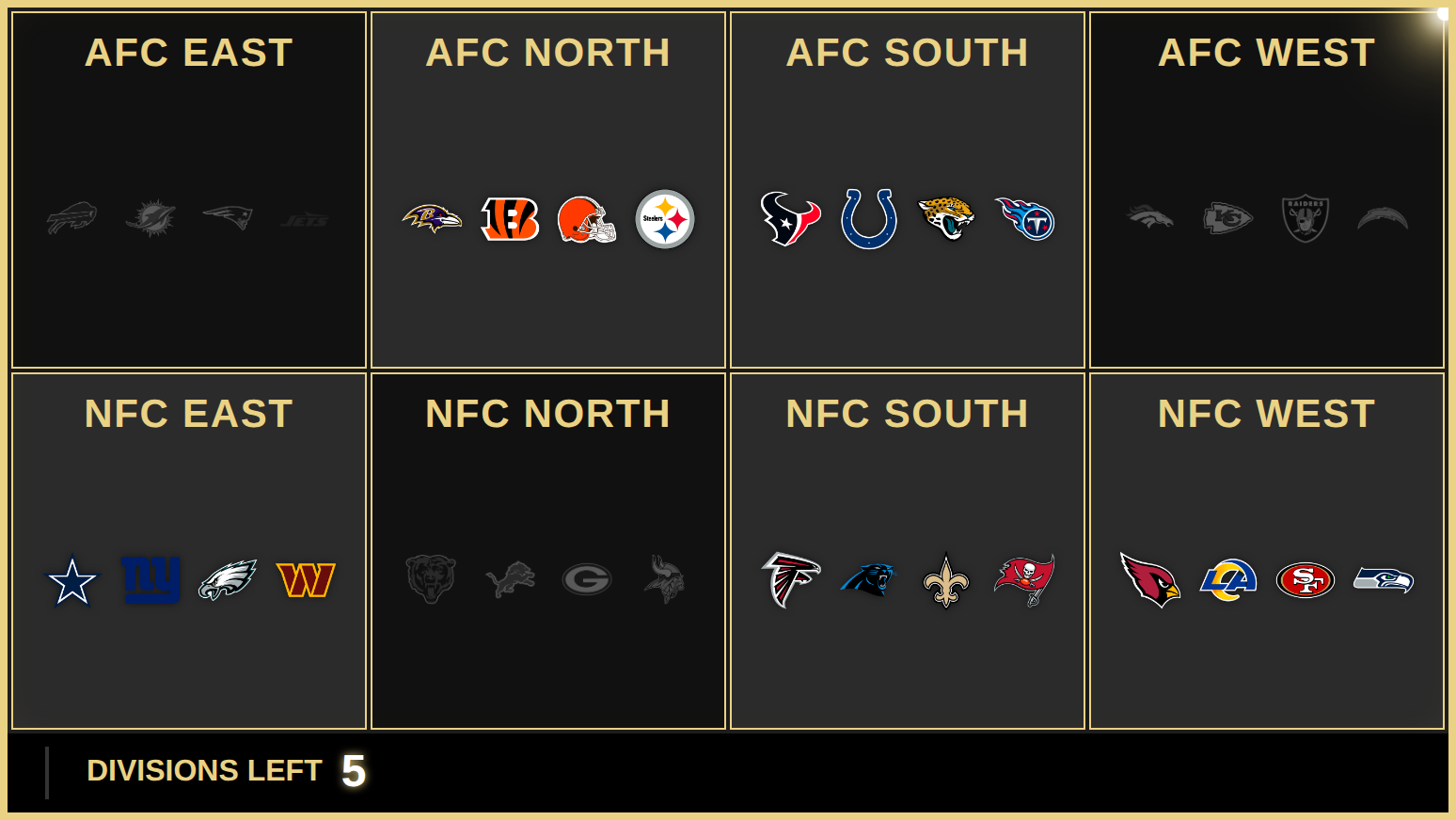
Eight spots, not thirty-two
An NFL divisional break is eight tiles. AFC East, AFC North, all the way through NFC West. Each one carries the four team marks that come with it, so a buyer can see exactly what they're getting without you reading the roster out loud.
Click a tile and the whole division sells at once — the marks grey out together, the takeover fires, and the counter ticks down. Your board says DIVISIONS LEFT, not TEAMS LEFT, because that's what's actually being sold.
Every sport is included:
| Sport | Divisions | Teams per division |
|---|---|---|
| NFL | 8 | 4 |
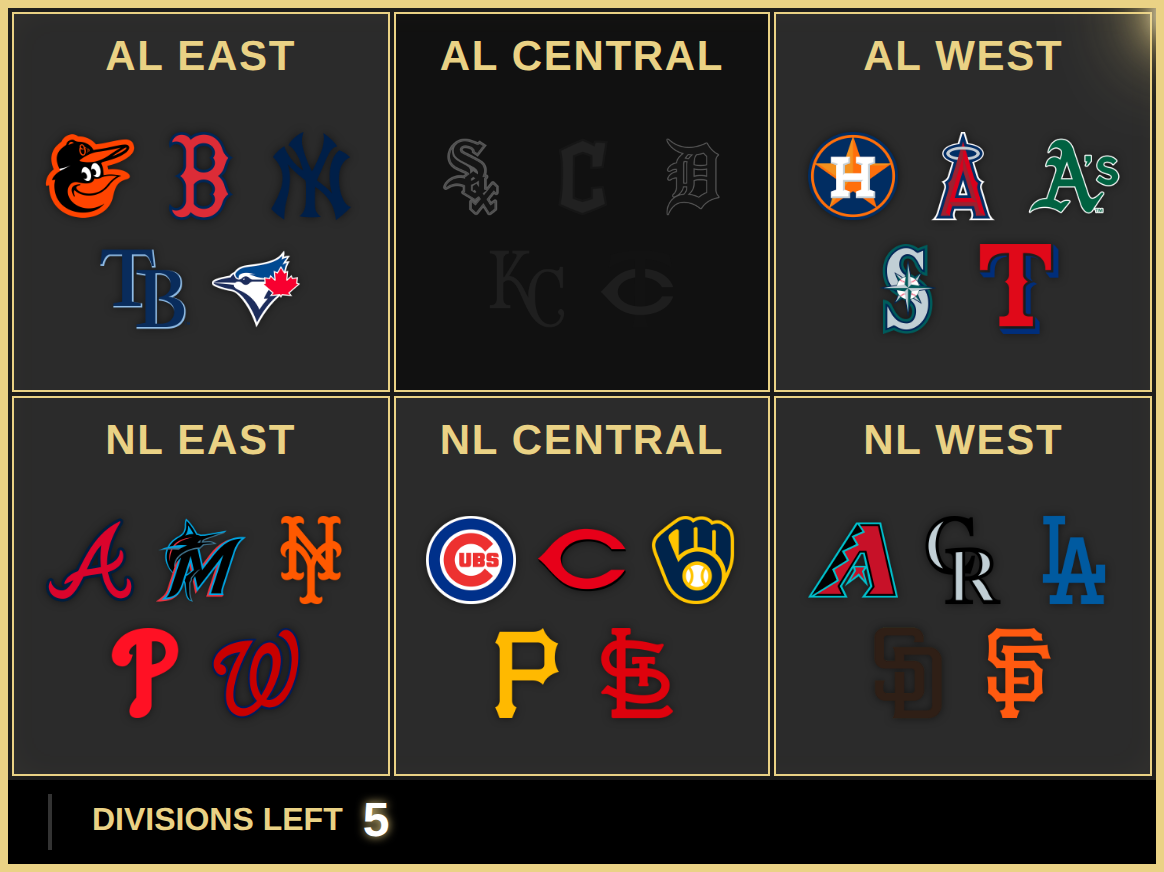
| MLB | 6 | 5 |
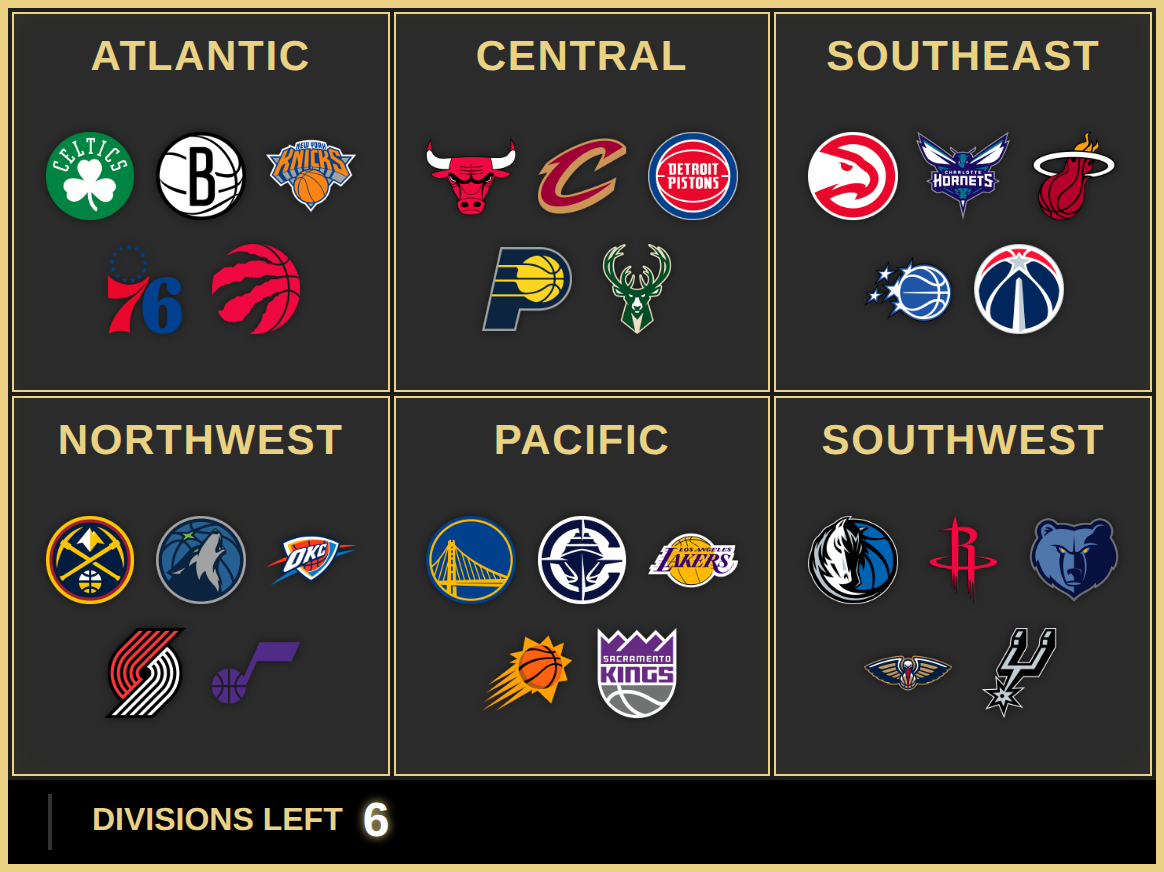
| NBA | 6 | 5 |
| NHL | 4 | 8 |
MLB's five-team divisions lay out in a balanced 3 + 2 rather than hanging a lone logo on a second row — small thing, but it's the difference between a board that looks designed and one that looks like it wrapped.
NBA works the same way, six tiles across two rows:
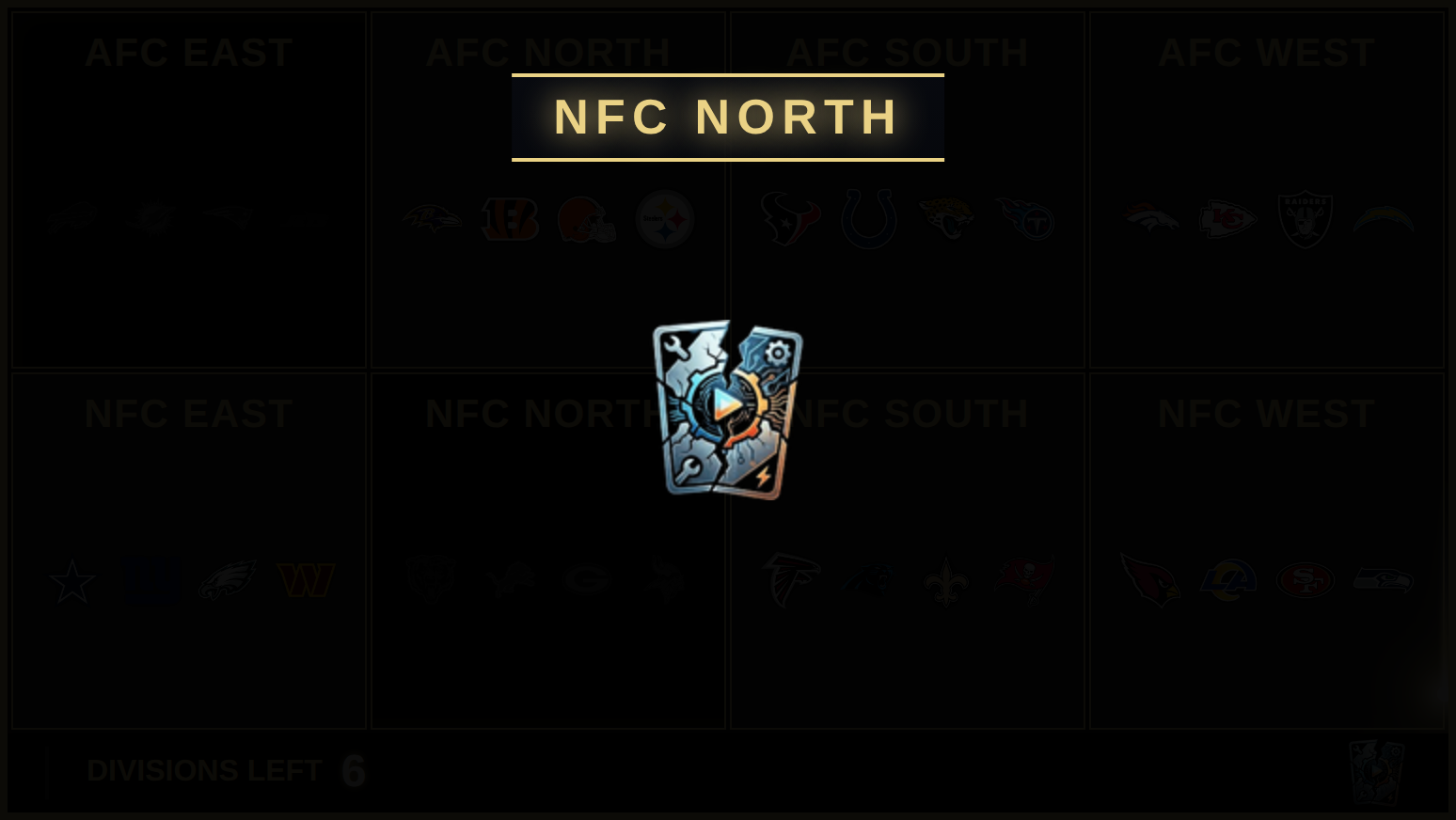
The takeover calls the division
When a division sells, the takeover shouldn't show one team's logo — that reads like a single team just went, which is exactly wrong. And cramming five or eight marks into the hero slot is mush at stream size.
So the division is the subject. Your own logo takes the hero slot — your brand on every sale — with the division name captioning it underneath. If you haven't uploaded a logo yet, the first team mark carries the visual and the name does the identifying.
Turning it on
It's a question when you create the widget now — right after you pick your league:
- Team Break — the classic board, one spot per team
- Divisional Break — one spot per division, every team in it goes with the spot
The preview beside it updates as you choose, so you can see an 8-tile NFL board before you commit. The board sizes itself for the spot count — columns, tile size and canvas all follow.
We moved it there deliberately. Board type isn't a look, it's what you're selling, and it's the same kind of decision as picking Team Tracker over Break Results. It also has a consequence worth being up front about:
Switching board type clears the board. A team board's spots are team names and a divisional board's are division names, so they can't carry over — the widget clears them rather than leaving you with spots that match nothing. On an unsold board that's a non-event. Mid-break it isn't, so if the board has sales on it the editor now asks twice before doing it.
You can still change it later — open the Layout tab and Board Type is the first row. It's just no longer the first place you meet the decision.
Camera Frame and the centre-island logo are off on divisional boards. Both are built for a dense grid of small tiles; at four to eight big ones they produce a broken board rather than a different one. The controls grey out so you're not guessing.
Everything else works exactly as it does today — your colours, fonts, border text, card styles, taken treatments, milestone moments, sound effects and the news ticker all carry straight over.
Divisional Breaks is a Pro feature and is live now. It's the third step when you create a Team Tracker.