Claim Names: Put the Buyer on the Board
— Breaker Labs
Every break runs on the same question: who's got that team? Tonight the answer lives in your chat scroll, your notepad, and your memory at spot 23 of 30. Starting today it lives where it belongs — on the card, on stream, all night.
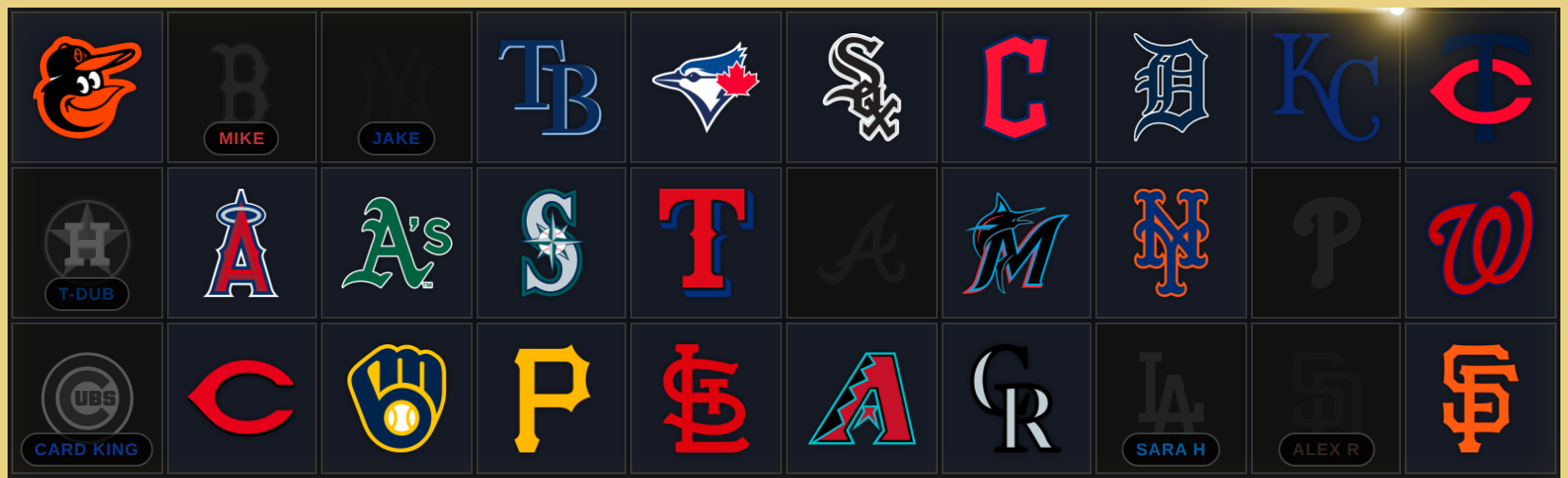
Type it where you click it
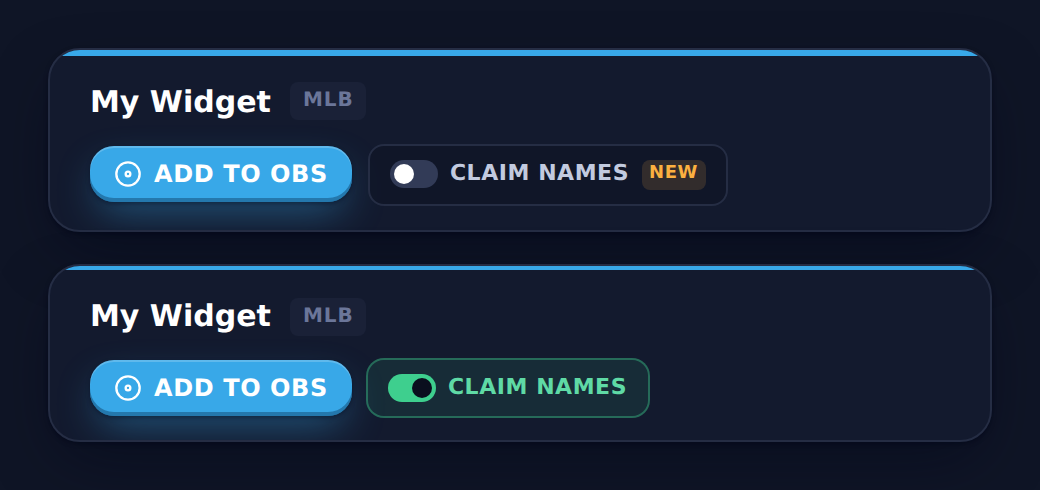
There's no new panel to manage. Flip the new CLAIM NAMES switch on your widget's card in the Stream Command Center — it sits right next to Add to OBS:
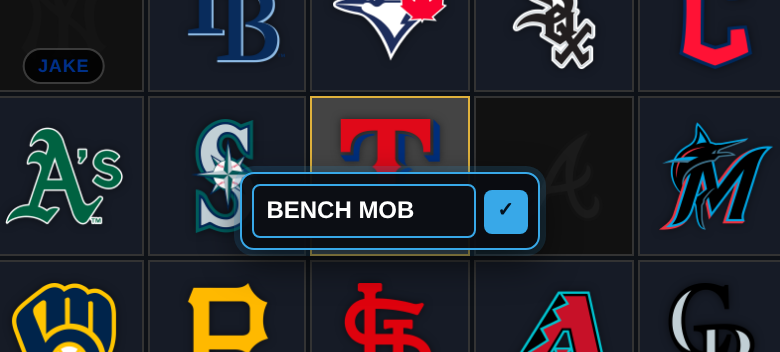
With the switch on, clicking a team pops a small name prompt right on the card: type the buyer's name and hit Enter — claimed, named, done. In a hurry? Just hit Enter. The claim goes through nameless, exactly like it always has.
That's the whole rule: optional on every single claim, never required. A named claim and a nameless claim live side by side on the same board. And the prompt is yours alone — it only exists inside the Command Center. Your OBS browser source never shows an input to your viewers; they only ever see the finished card.
Typo? Buyer changed their handle? Click a claimed card to fix the name on the spot — or release the team entirely. When a claim is released, its name goes with it. Reset the board for the next break and every name resets too.
Four ways to wear it
The name is part of your board's look, so it gets the same treatment everything else does — pick a placement in the editor's Style tab, under Taken Treatment:
- Pill — a compact name pill on the bottom edge of the card. Works over every taken treatment.
- Under Logo — the logo makes room and the name sets beneath it, clean and big.
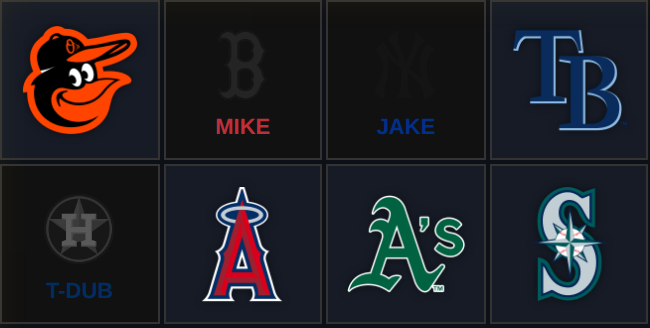
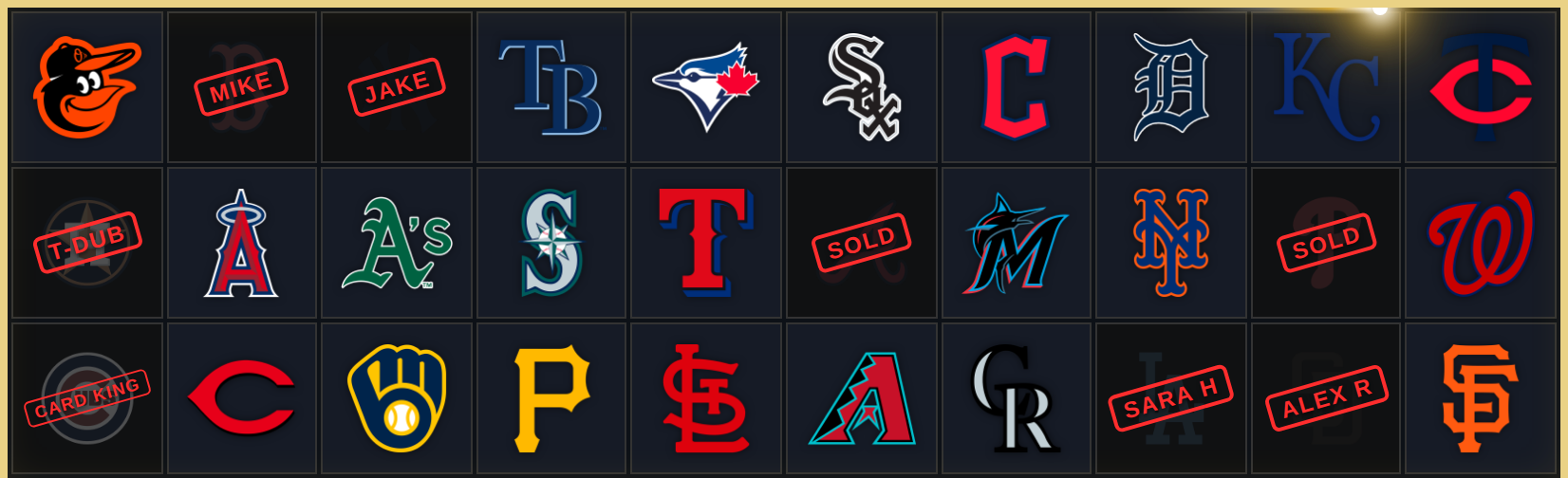
- Name as Stamp — the buyer's name is the rubber stamp. JAKE, slammed diagonally where SOLD used to be. Nameless claims still stamp SOLD.
- Slab Cert Line — running the Graded Slab treatment? The buyer's name prints on the slab label like the cert. MIKE's Red Sox, graded and encased. The flex on the flex.
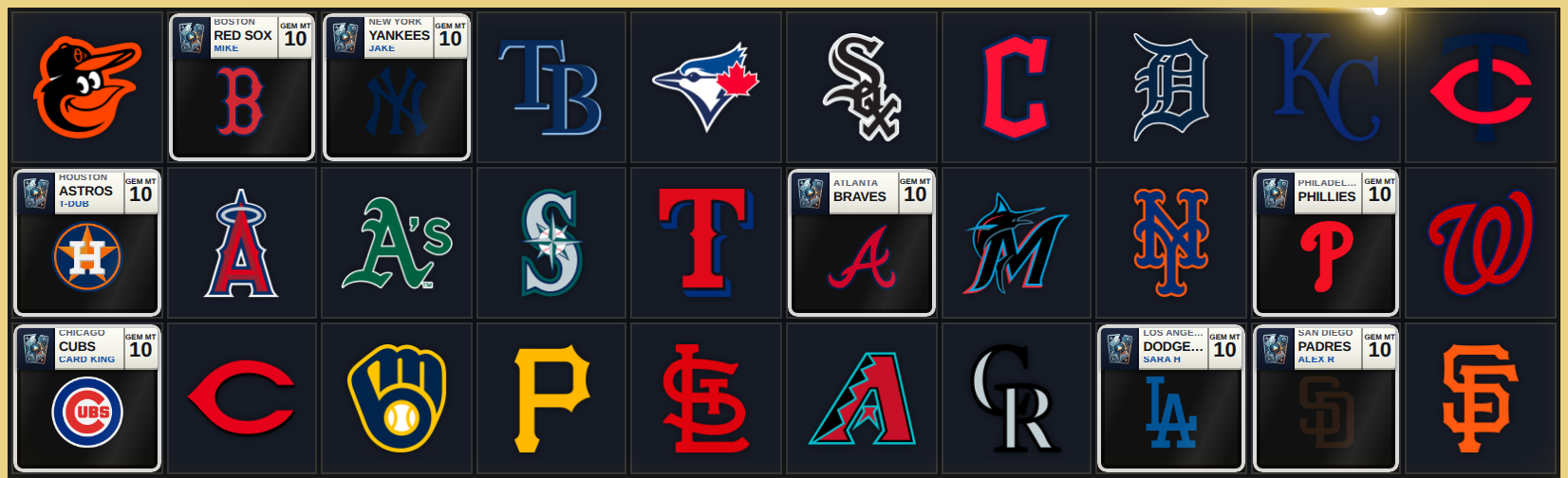
Names render in the team's color by default, or flip them to white or your accent color. Everything is uppercase, auto-fitted to your card size, and capped at 20 characters so the board stays clean at stream distance.
The takeover says their name
The claim moment was already the best part of your stream. Now it carries the buyer: when a named claim lands, the takeover animation plays with a name banner — JAKE, across the Stadium Lights, the moment the Mariners go.
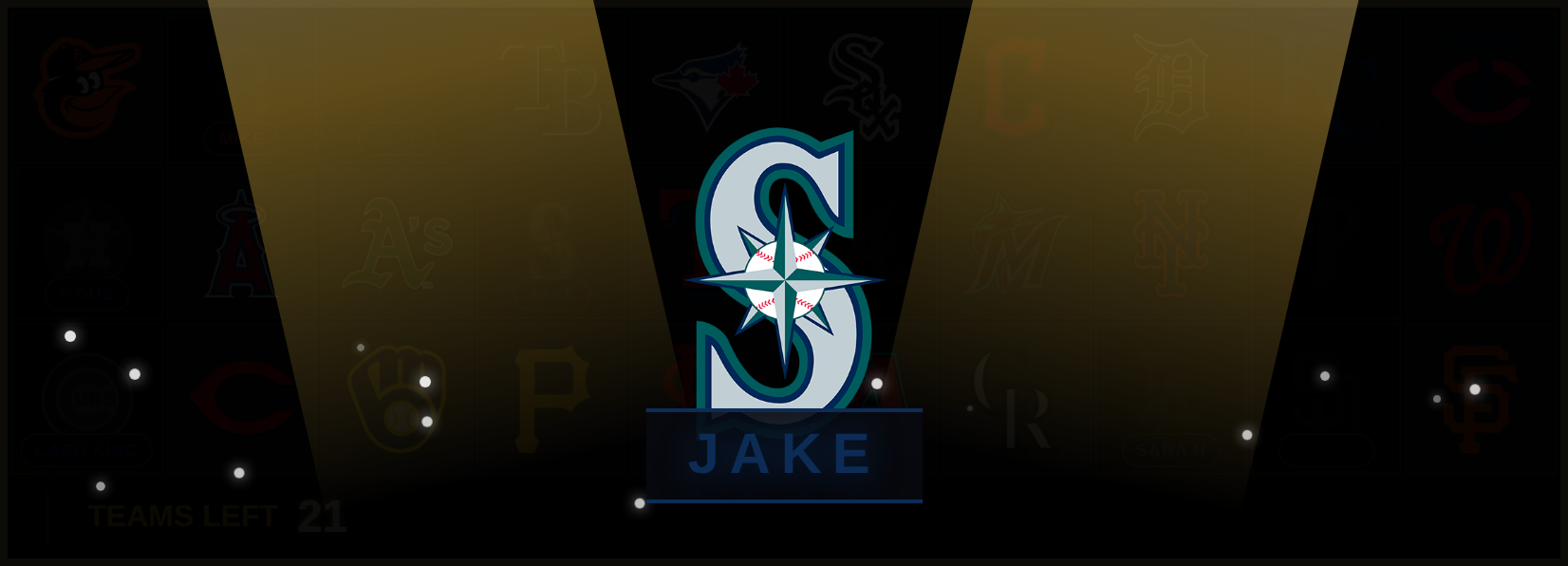
Nameless claims play your takeover exactly as before. The banner can be switched off in the Style tab if you want the quiet version.
Live everywhere, instantly
Names travel with your live state: every OBS source, every device running your Command Center, and every viewer sees the same board at the same moment. Add a name late, fix one mid-break, release a team — it's on stream before you look up.
Claim Names is a Pro feature, live today on standard team boards and catalog boards across MLB, NFL, NBA and NHL. Grouped boards — divisional and multi-sport — are next in line.
Turn it on where you stream: the CLAIM NAMES switch on your widget in the Command Center, right next to Add to OBS. Looks and colors live in the editor under Style → Claim Names. Then go sell some spots — and let the board keep the receipts.