Card Customization: New Card Styles and Taken Treatments
— Breaker Labs
Your board is the first thing viewers see. Today it gets two new customization axes in the Team Tracker editor's Style tab.
Card Styles — how every card looks
- Flat — clean and simple (the classic look).
- Embossed (free) — soft depth so cards lift off the grid.
- Slab (Pro) — a graded-card mimic, complete with a label strip and a window behind each logo.
- Holo (Pro) — the slab look with a rainbow holographic sheen.
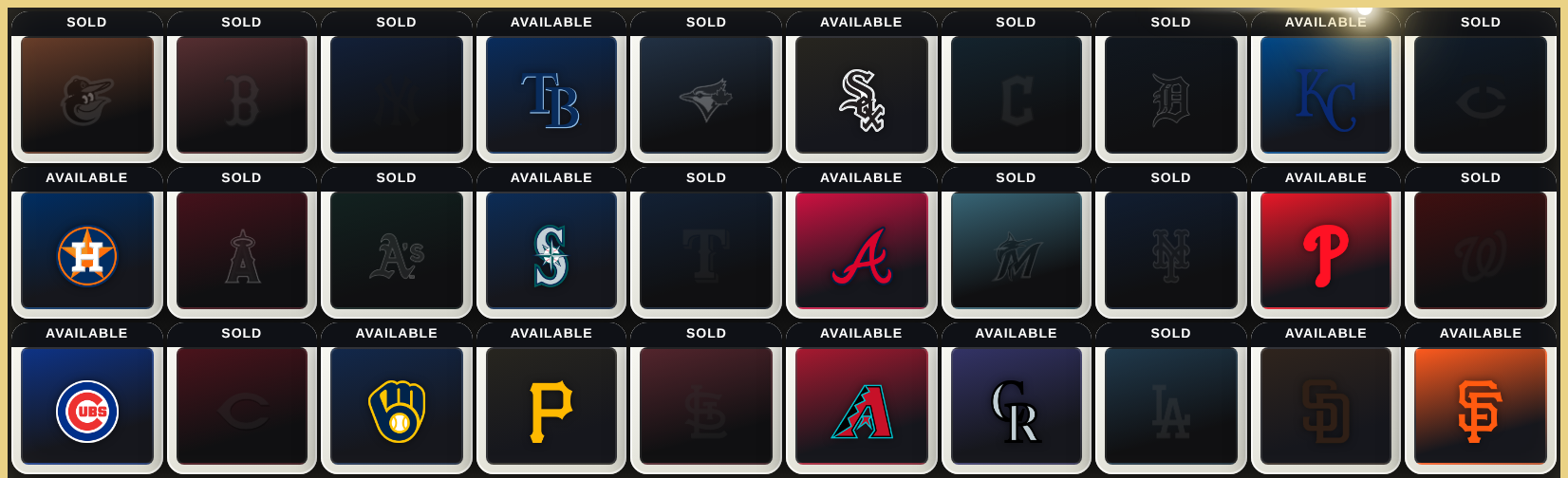
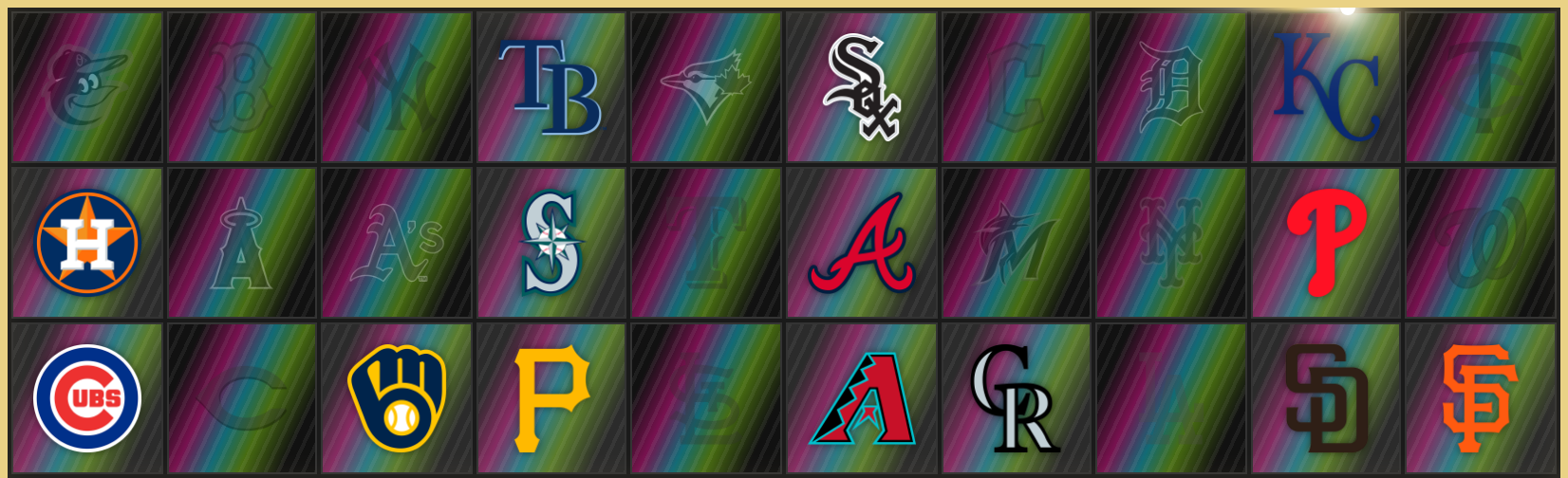
Taken Treatments — what happens after a hit
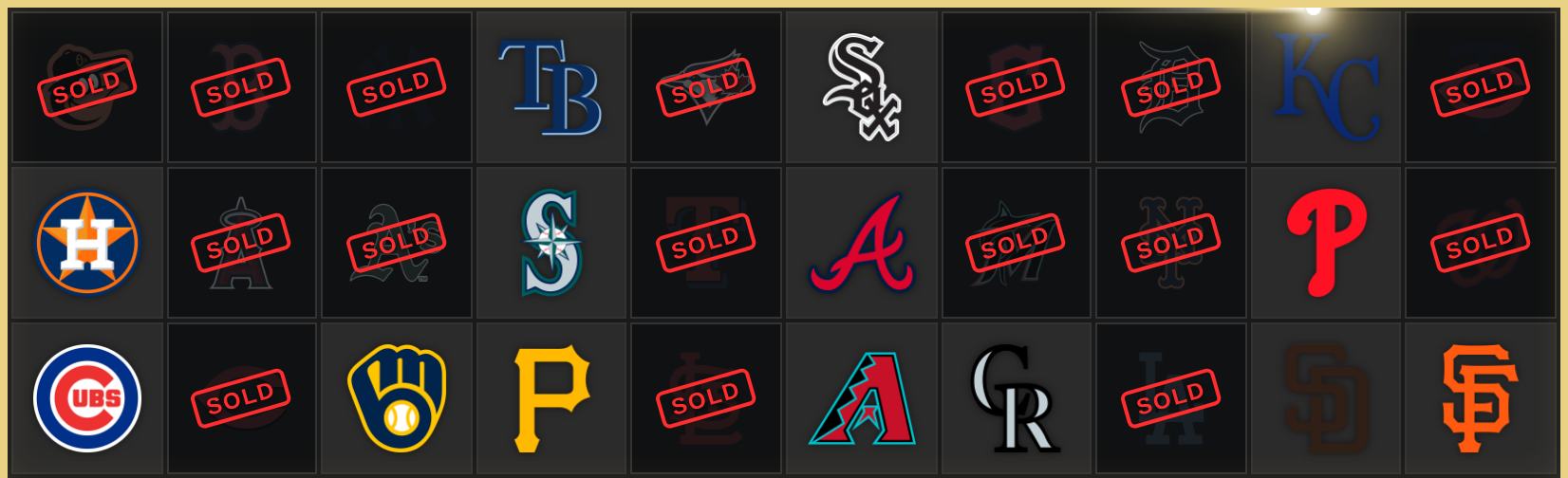
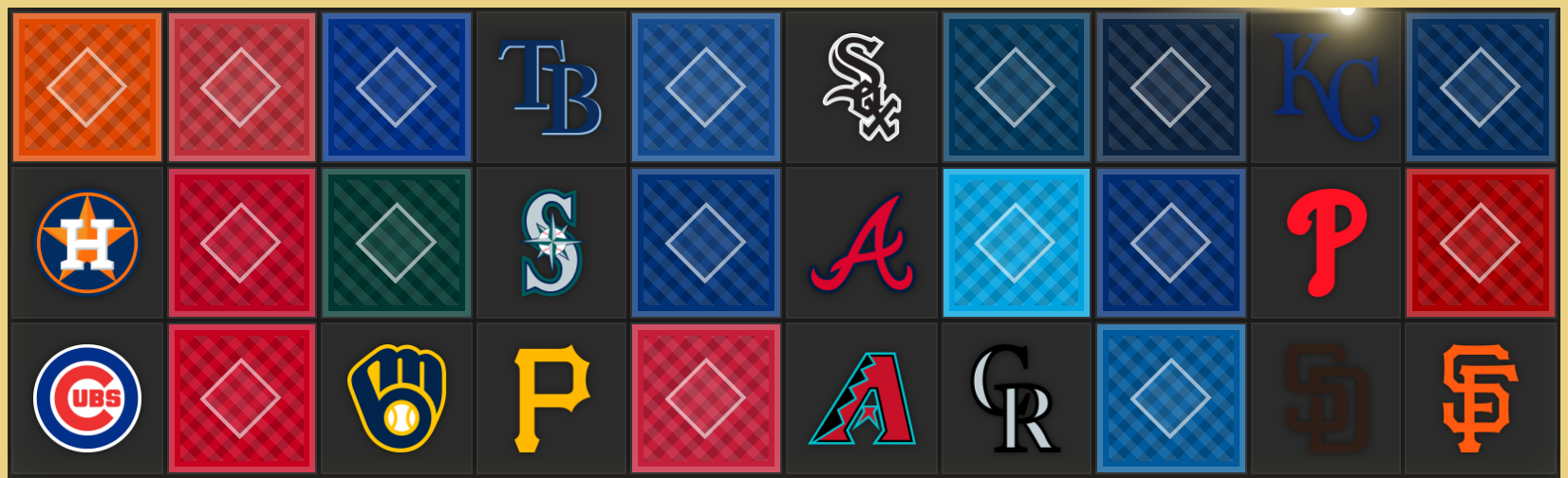
Until now a claimed team just greyed out. Now you choose the moment:
- Muted — grayscale + dim (the classic).
- SOLD Stamp (free) — a red stamp slaps across the card.
- Card Back (Pro) — the card flips face-down, like a real pull. Uploaded a custom logo? It lands on every card back — your own branded pack.
- Claimed (Pro) — the logo stays bright with a green check.
- Spotlight (Pro) — available teams glow; claimed teams go dark. The contrast does the talking.
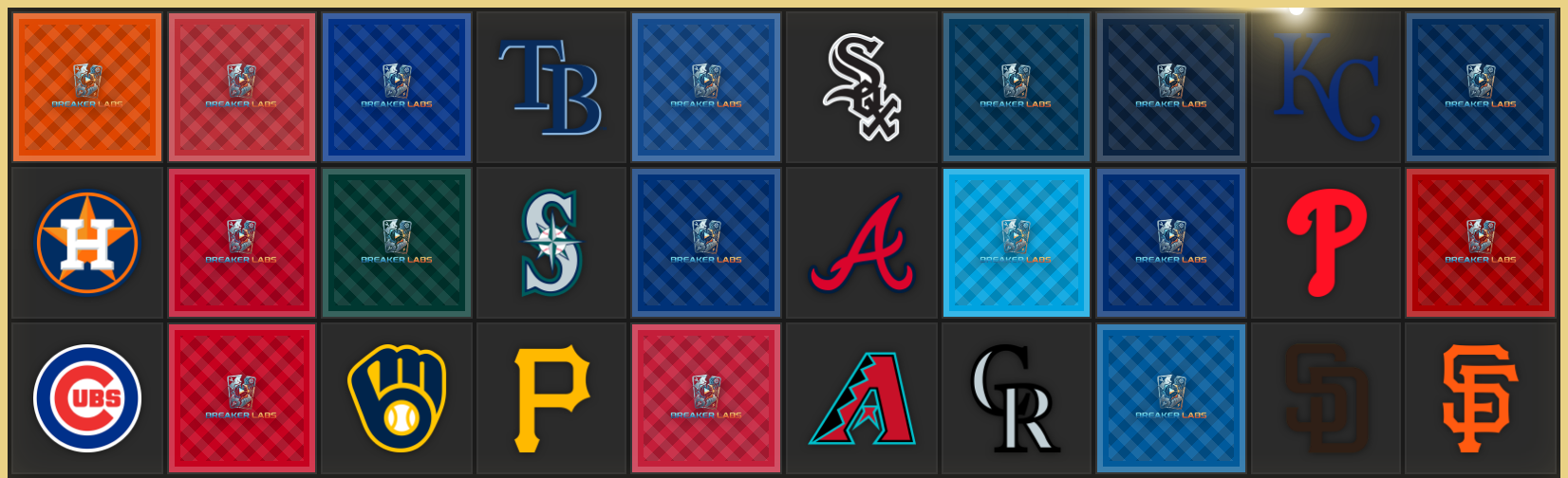
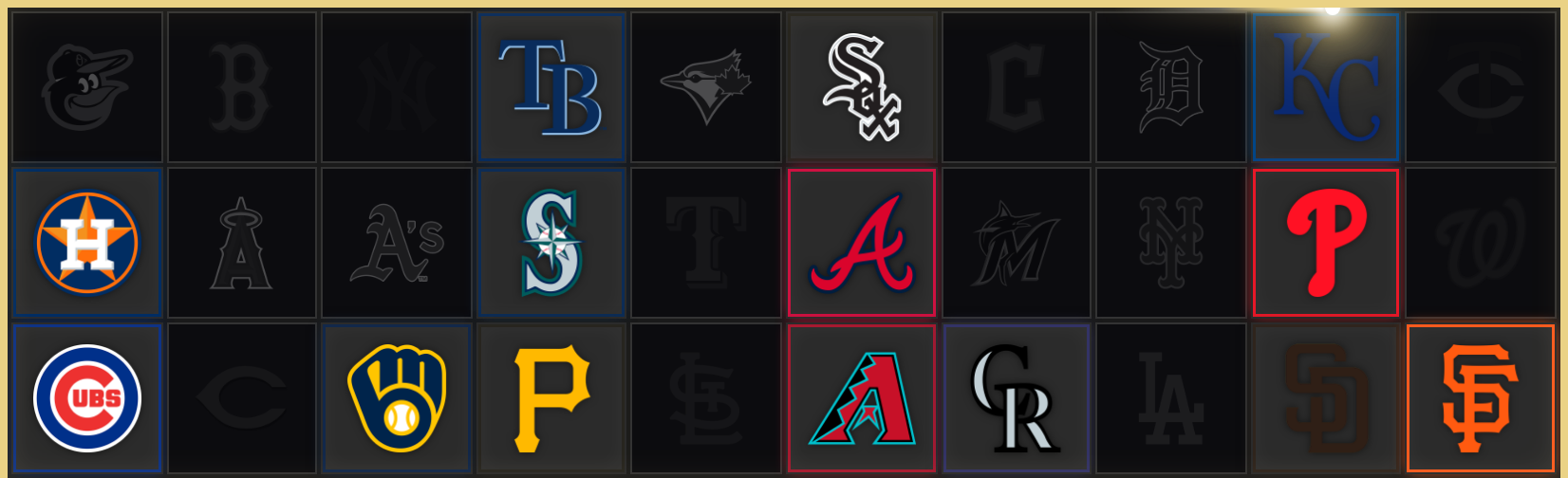
Open any Team Tracker widget, head to the Style tab, and make it yours. Pro looks are marked with a crown — start a trial any time from Billing.